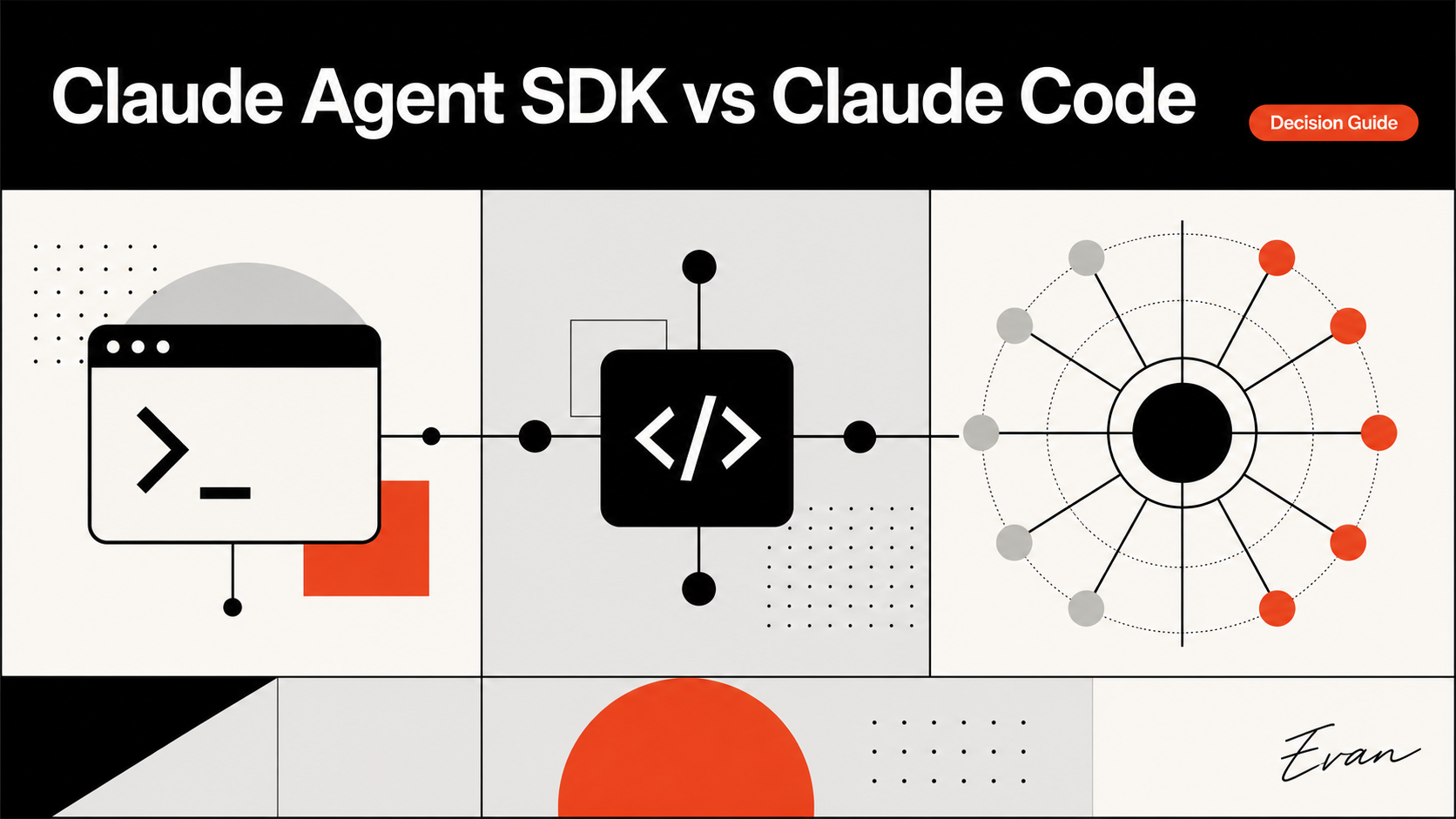
Claude Code is Anthropic's interactive coding product; the Claude Agent SDK lets a team use the agent's tools, loop, and context management from its own Python or TypeScript program. The practical choice is therefore about operating model and control: use Claude Code when a developer is driving an interactive task, and evaluate the SDK when an application, CI job, or internal workflow must orchestrate the agent programmatically.
This is not a model-quality contest. The same underlying agent capabilities can appear in a very different workflow when the team owns the surrounding process, permissions, state, and observability. Start by choosing the smallest surface that can perform the job safely.
Quick Verdict
For Claude Agent SDK vs Claude Code, choose the surface whose operator and controls match the task before comparing implementation details.
Choose Claude Code for a human-led repository session: exploring a codebase, making a bounded change, reviewing the diff, and deciding the next action in the moment. Anthropic describes it as an AI coding assistant available in terminal, IDE, desktop, and web surfaces. Its interactive form is valuable when the developer's judgment is the control plane.
Choose the Claude Agent SDK when the agent must be embedded in a repeatable program. Anthropic's Agent SDK overview says it exposes the same tools, agent loop, and context management that power Claude Code, with Python and TypeScript interfaces. That makes it relevant to a controlled internal application, a CI/CD workflow, or an automation that needs to decide when and how an agent run begins.
The decision rule is simple: if the task's main operator is a developer at an interactive prompt, start with Claude Code. If software must call, constrain, record, and integrate the agent as part of a larger system, assess the SDK. If the actual question is cross-vendor CLI selection, use a dedicated Claude Code vs Codex CLI comparison instead.
Same Foundations, Different Product Boundaries
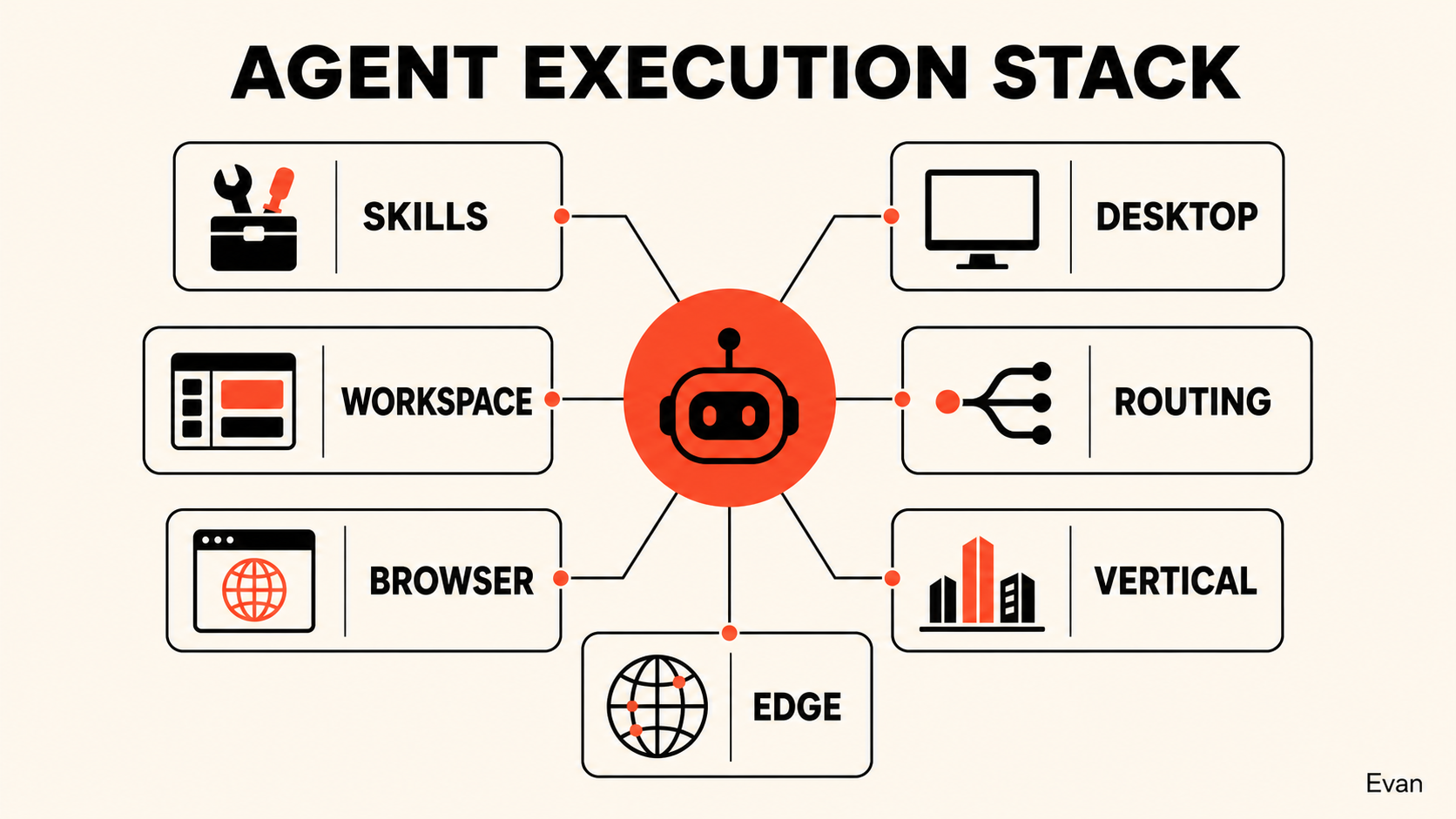
The naming can be confusing because the products are related. The Claude Code agent SDK is not merely a thin text-completion wrapper. According to Anthropic's documentation, it includes an agent loop, built-in tools, context management, hooks, subagents, Model Context Protocol support, permission controls, and session capabilities. Claude Code uses those broader agent capabilities in an interactive product.
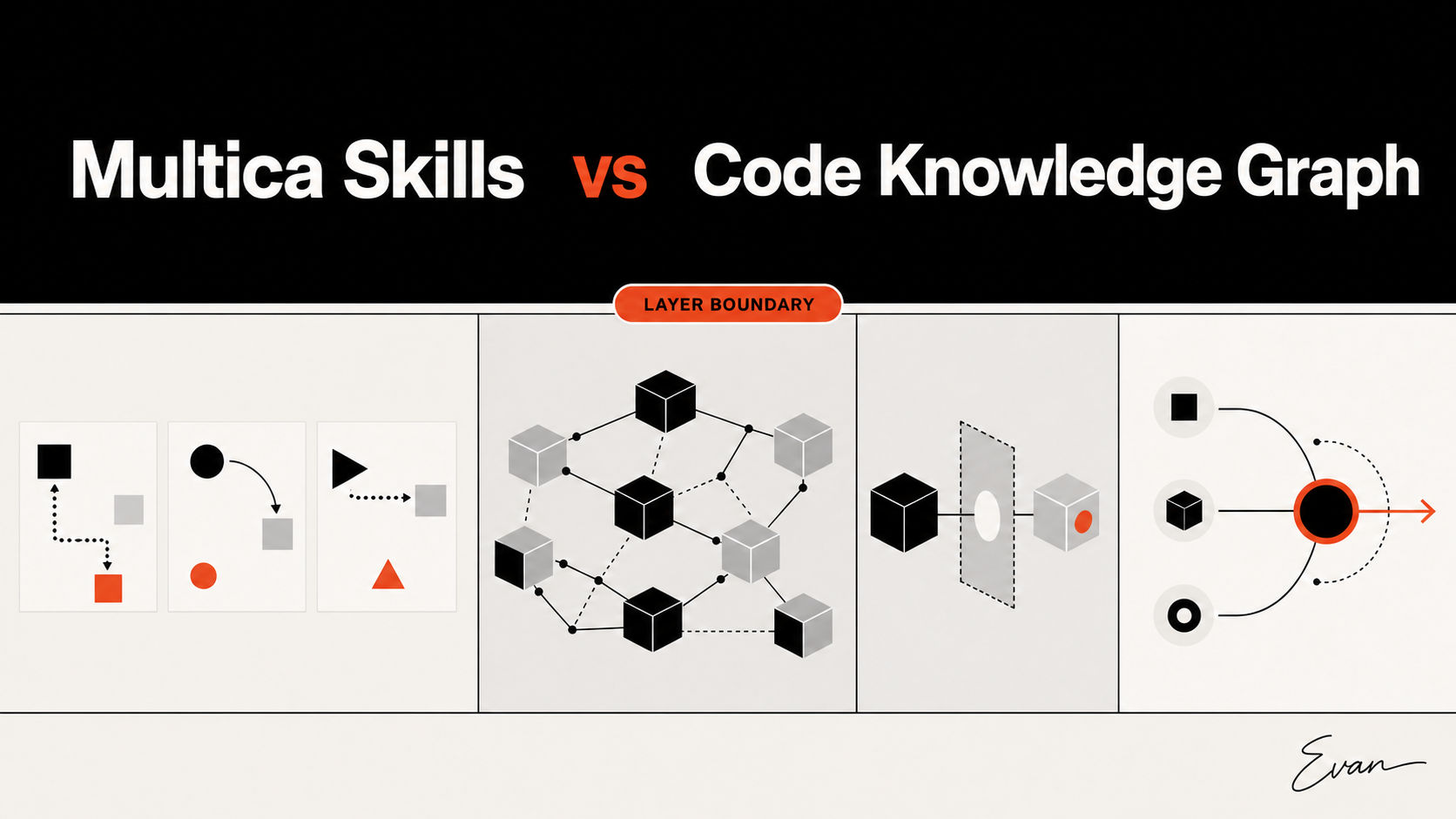
There is also a lower-level boundary to keep clear. Anthropic's SDK and libraries overview distinguishes direct API client SDKs from higher-level agent products. With a client SDK, an application typically sends messages and owns the tool-execution loop it needs. With the Agent SDK, the agent runtime provides built-in tool execution and orchestration features. That is a product-boundary distinction, not a claim that one layer always produces better code.
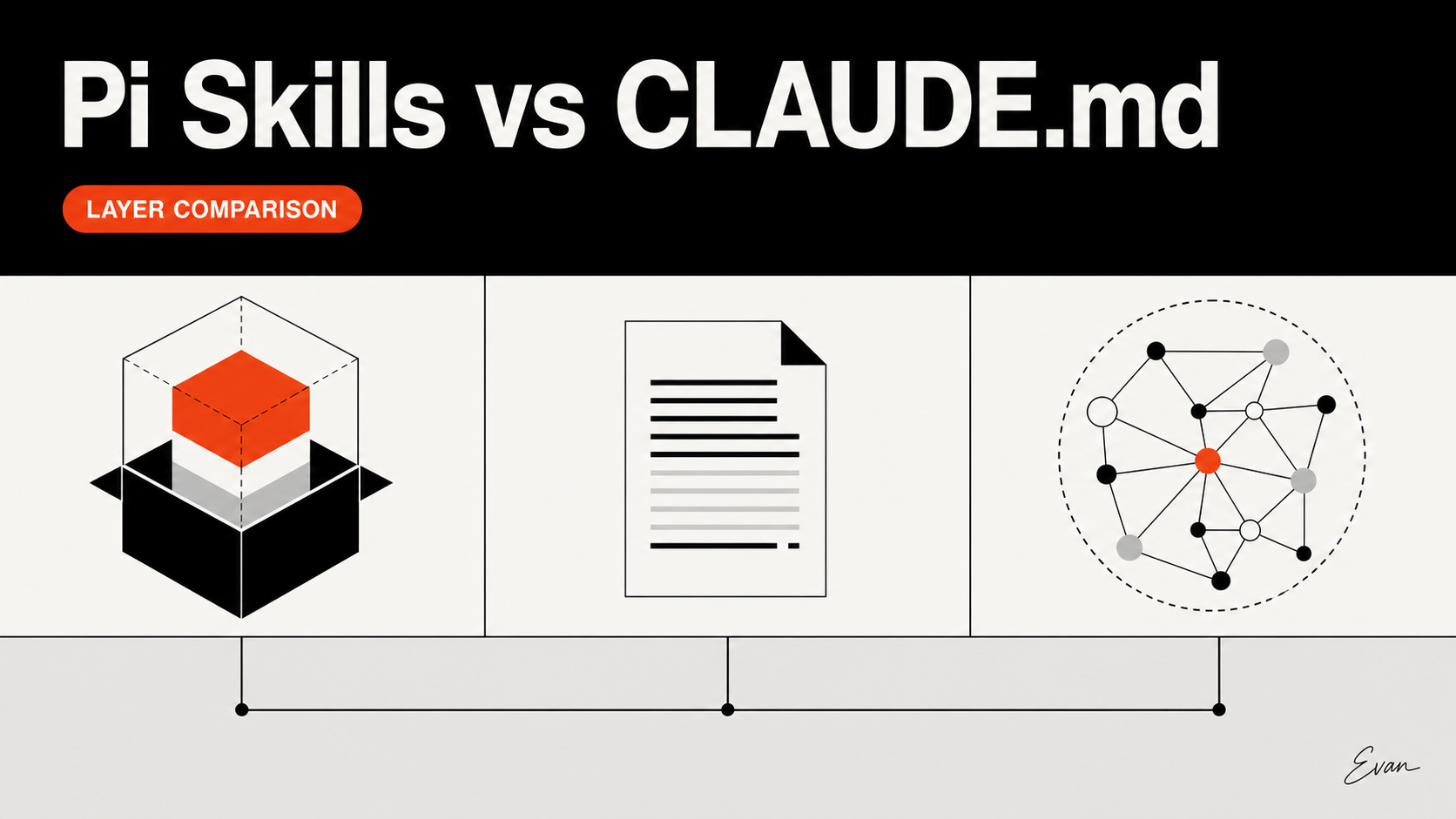
| Layer | Main interface | Who drives the run? | Tool loop | Typical decision |
|---|---|---|---|---|
| Claude Code | Interactive terminal, IDE, desktop, or web surface | A developer | Product workflow | Help a person complete a repository task |
| Claude Agent SDK | Python or TypeScript program | The team's application or automation | Agent runtime with documented built-in tools | Embed an agent in a controlled workflow |
| Client SDK | Direct API library | The team's application | Application-owned when needed | Build a custom model interaction from lower-level primitives |
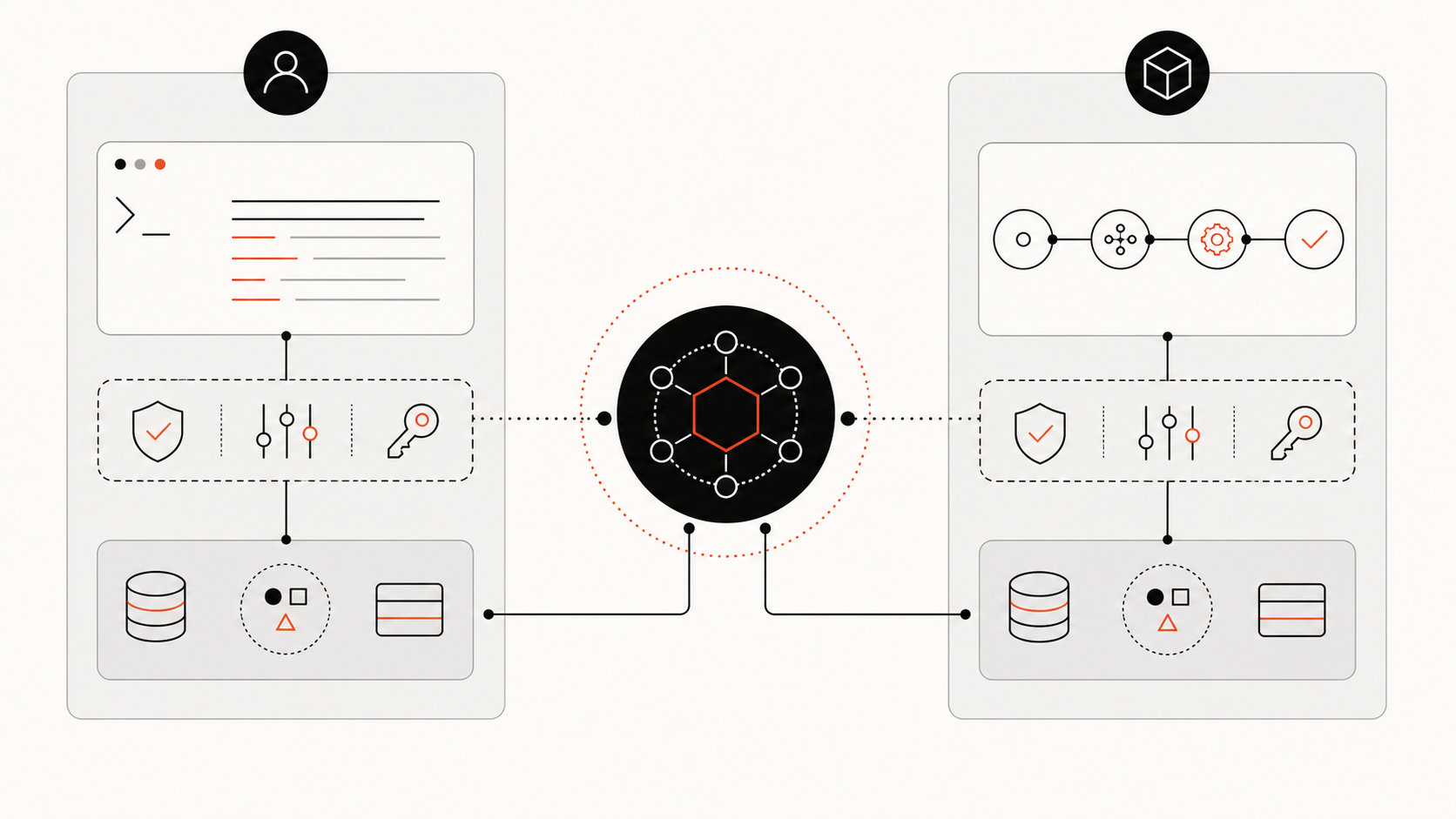
For this reason, search phrases such as “Claude Code SDK” often collapse several different questions. Before deciding, name the expected operator, the required tool boundary, the state that must persist, and the system that will own failures.
Quick Comparison Table
| Decision dimension | Claude Code | Claude Agent SDK | What to verify in a pilot |
|---|---|---|---|
| Primary mode | Interactive coding session | Programmatic agent run | Who starts and approves each run? |
| Integration effort | Lower for a direct developer workflow | Higher because the team integrates it into its program | Where does orchestration code live and who owns it? |
| Agent tools and context | Available through the product | Available through the SDK's documented runtime | Which tools and context sources are allowed? |
| Permissions | Product and project controls shape the session | The application configures and operates its own SDK use | Which actions require human approval or must be disallowed? |
| Observability | Developer can inspect the interactive session | Team can design run records and operational telemetry | What trace, result, and failure data is retained? |
| Best initial fit | Ad hoc or supervised repository work | Repeatable automation, CI/CD, or an internal agent product | Can the task be made narrow and testable first? |
Search terms such as claude code sdk python and claude code sdk typescript are planning language for this comparison. In Anthropic's current Agent SDK documentation, Python and TypeScript are the supported programmatic interfaces. Use the Agent SDK documentation rather than assuming an old example, package name, authentication path, or account entitlement remains valid at implementation time.
When Claude Code Fits Better
Claude Code fits when the important work is interactive judgment. A developer may need to read unexpected test failures, inspect a diff, compare two design options, or stop because a repository convention is unclear. In those moments, a direct session keeps the person close to the evidence and allows the task scope to change without first building an integration layer.
Good starting tasks are bounded and reviewable:
- investigate a failure and report the likely owning files;
- make a small change behind existing tests;
- update documentation after a human has defined the facts;
- propose a plan for a multi-file change without applying it;
- review a generated diff before a person accepts it.
Interactive convenience is not a substitute for repository context. A complex task still needs current source, architecture evidence, tests, and project rules. The guide to helping Claude Code understand a complex repository describes how to supply those layers without treating a large prompt as a complete system model.
When the Claude Agent SDK Fits Better
The Agent SDK fits when the agent is one stage in an application-owned process. Anthropic lists custom applications, CI/CD, production automation, and internal tools among the SDK's use cases. That creates value when a team needs repeatable entry conditions, an explicit tool policy, a standard task contract, or a result that another system can consume.
For teams searching claude code python sdk, the current official name for the programmable surface is the Claude Agent SDK; use its Python interface only after the task contract and execution boundary are clear.
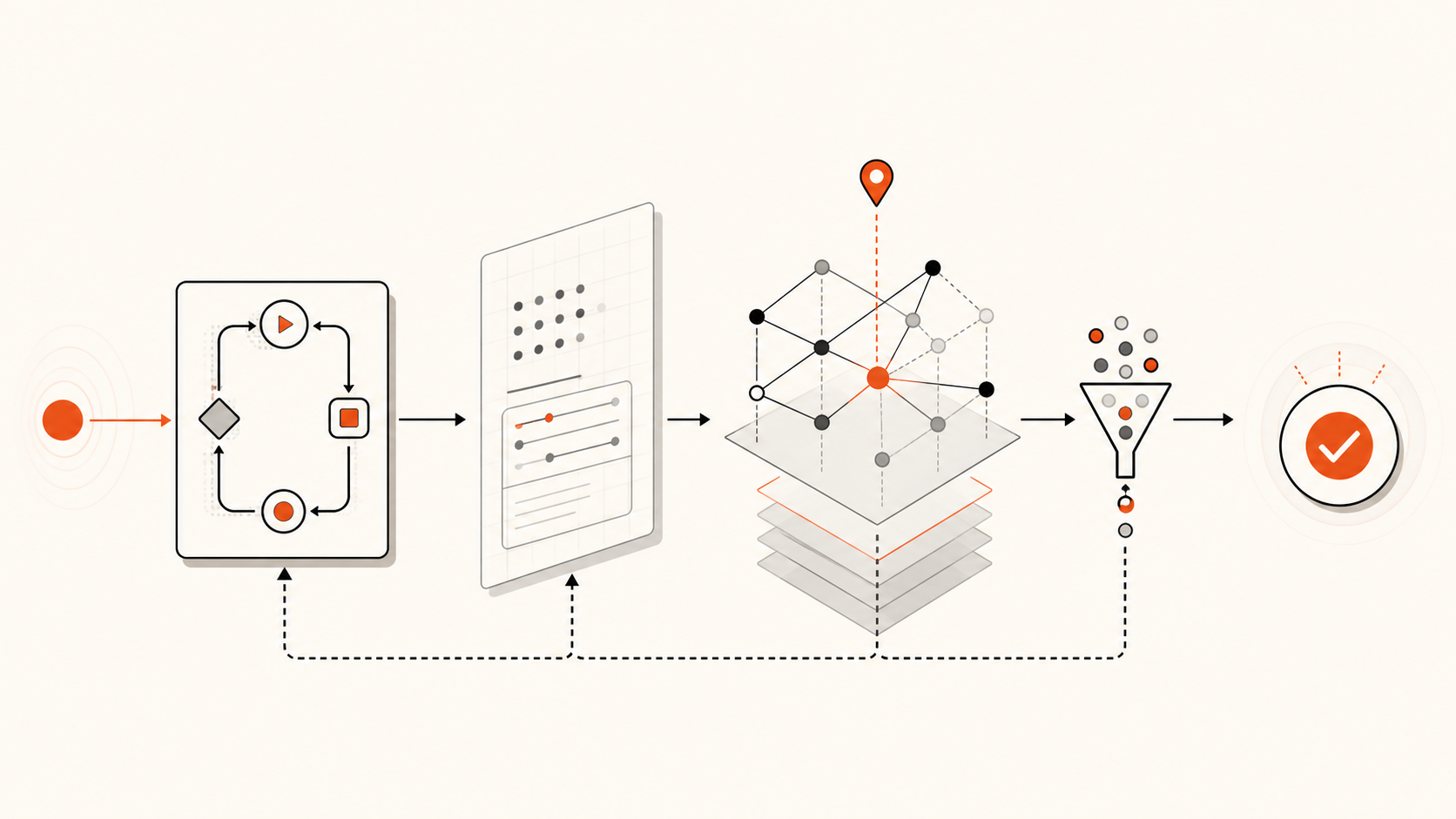
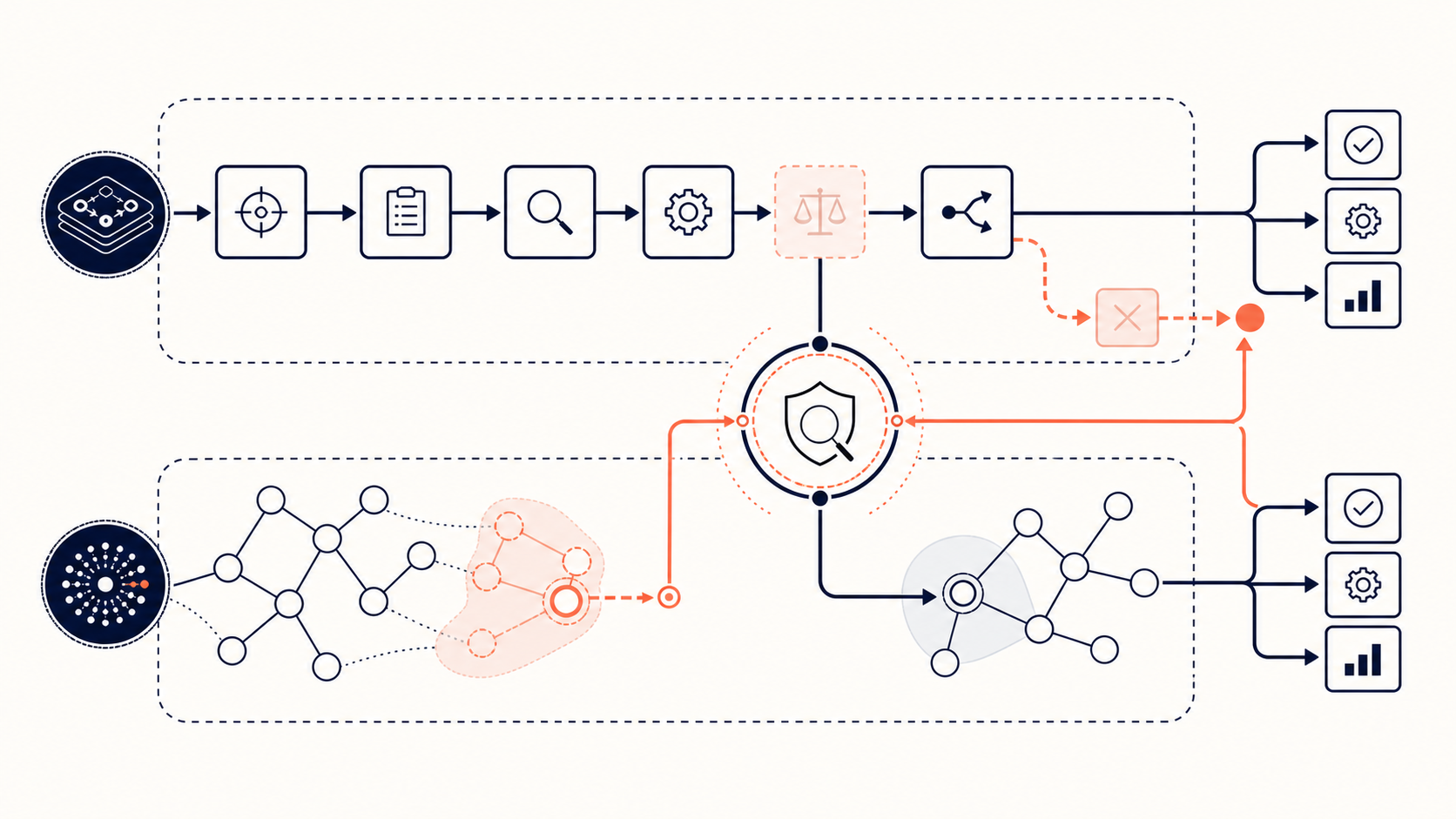
For example, an internal service might prepare an approved task payload, invoke the Agent SDK against a constrained workspace, collect the final artifact and trace, run independent checks, then route the result to a human reviewer. The SDK does not remove the need to build those controls; it is the surface through which a team can place them around an agent run.
The strongest candidates have all three properties:
- The task starts from a stable, machine-readable input.
- The desired result can be checked independently of the agent's explanation.
- A team can state the permitted tools, data, and escalation path in advance.
That may be a narrowly scoped CI investigation or a controlled code-maintenance action. It is not a reason to hand an open-ended production environment to an autonomous process. If the workflow coordinates multiple specialist roles, keep the task boundary and evidence handoff explicit as in an agent swarm codebase context workflow.
Ownership, Access, and Operational Limits
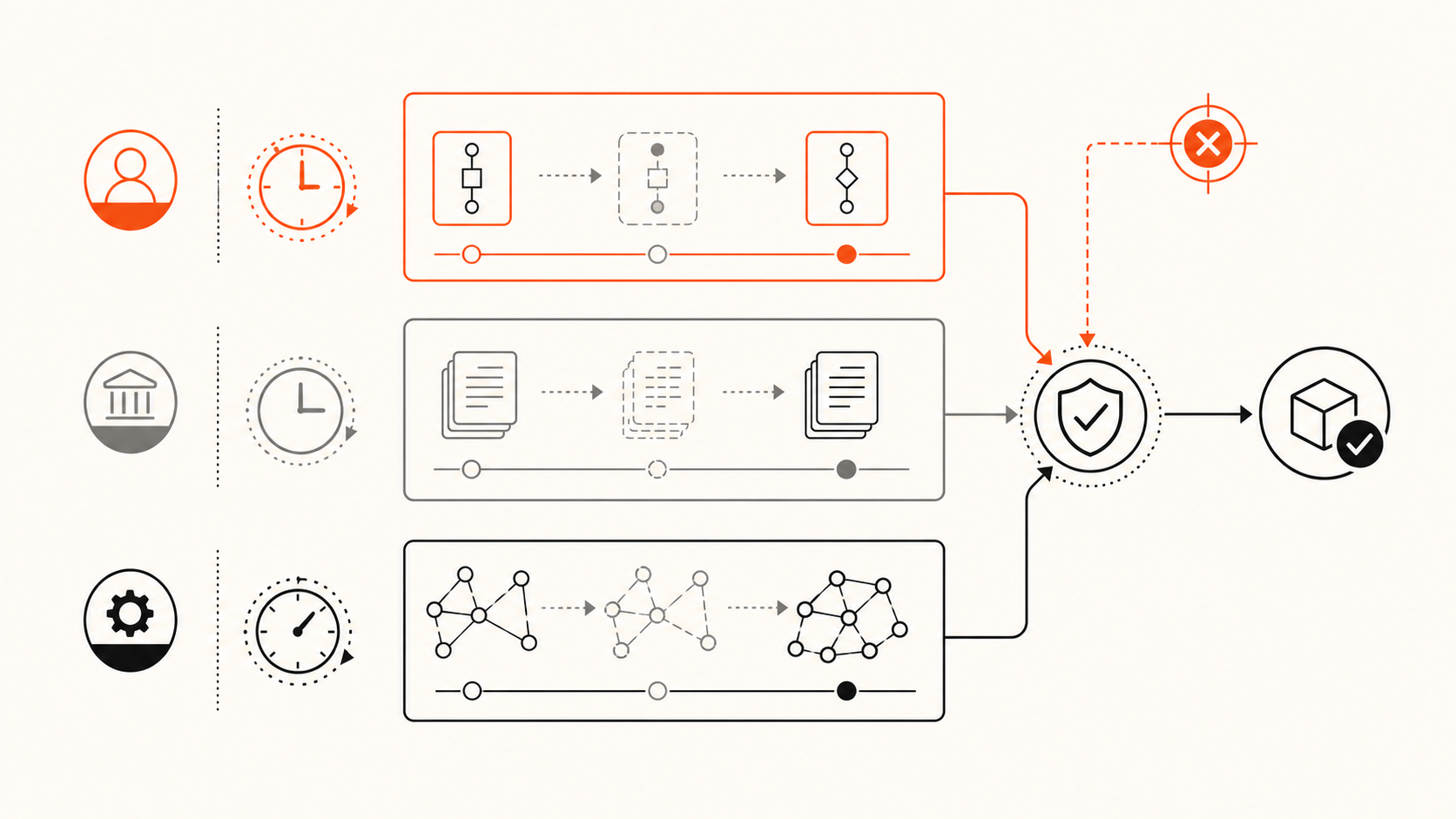
The critical trade-off in Claude Agent SDK vs Claude Code is ownership. An interactive client puts more of the session experience in the product. An SDK integration gives a team more freedom to decide when to run the agent and what surrounds it, but also makes that team responsible for the reliability of the integration.
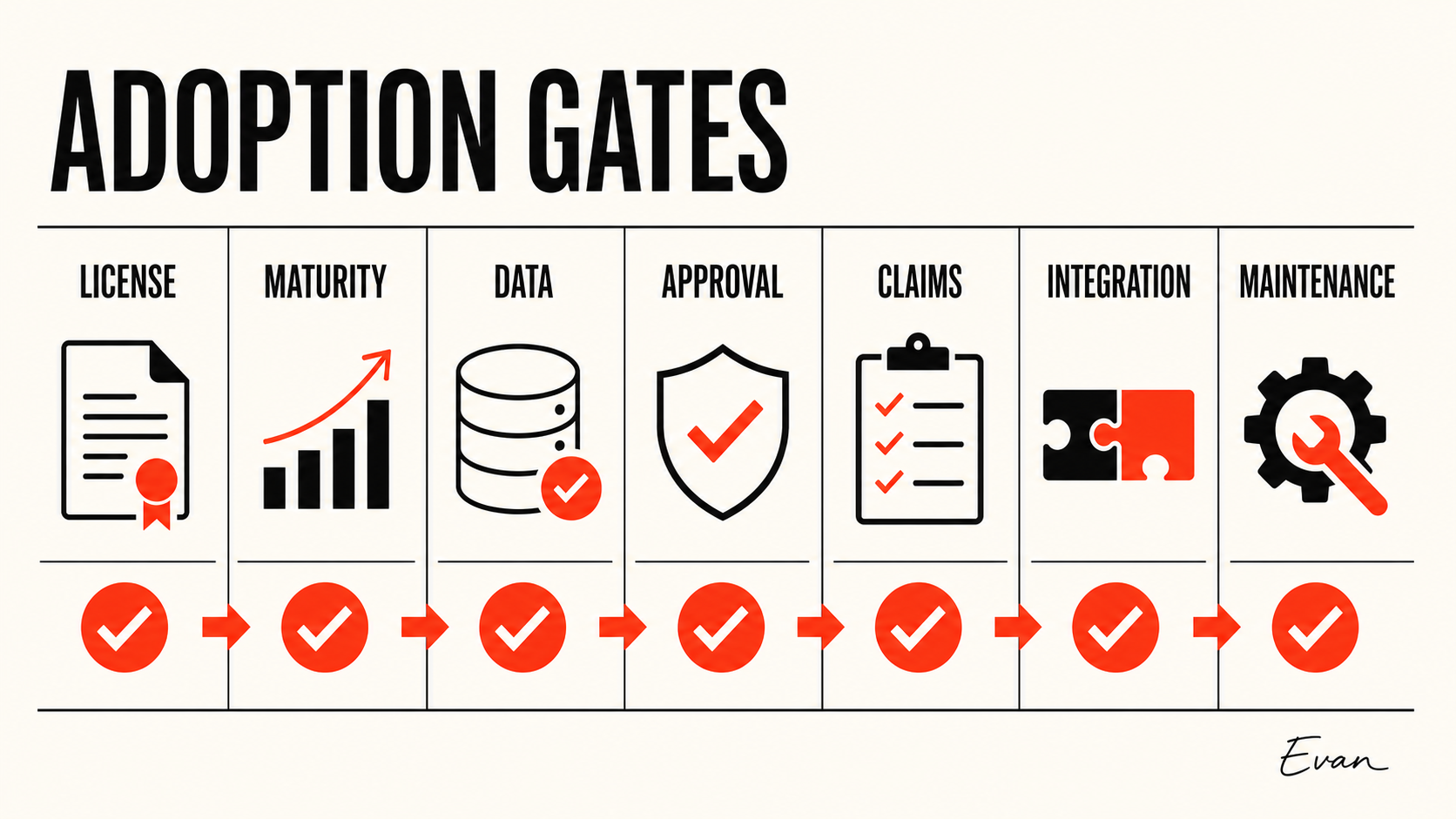
Before an SDK rollout, name the owner for each boundary:
- Execution: Which process, workspace, and environment run the agent?
- Tool policy: Which read, write, shell, network, or MCP actions are available, and which need approval?
- Secrets and data: What credentials are exposed, how are they scoped, and what may be retained in logs?
- State: Which session or task records are durable, and when do they expire?
- Evidence: Which inputs, tool calls, tests, final artifacts, and human decisions are retained for diagnosis?
- Change control: Who may update the model choice, instructions, tools, or permissions?
A team assessing a claude code sdk typescript integration should make the same ownership decision before wiring the TypeScript interface into a wider automation path.
The official documentation confirms that the Agent SDK supports permissions, hooks, sessions, subagents, MCP, and built-in tools. It does not answer the policy choices for a particular organization. Likewise, pricing, account eligibility, authentication configuration, regional availability, and feature limits can change. Verify those operational facts in current official documentation and the intended account before treating an example as deployable policy.
Smallest Safe Pilot
Run a pilot that tests the operating model, not just a happy-path demo.
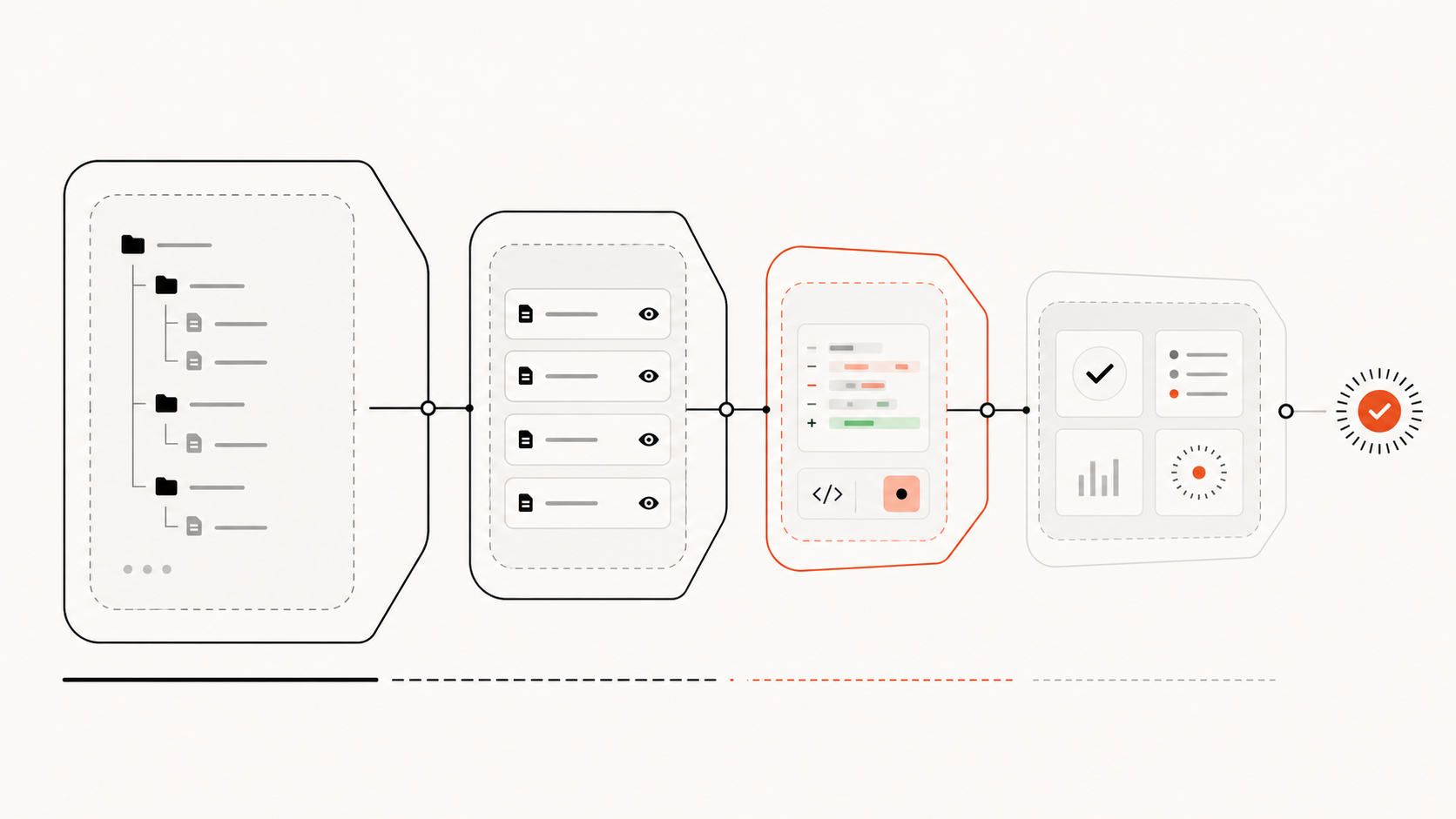
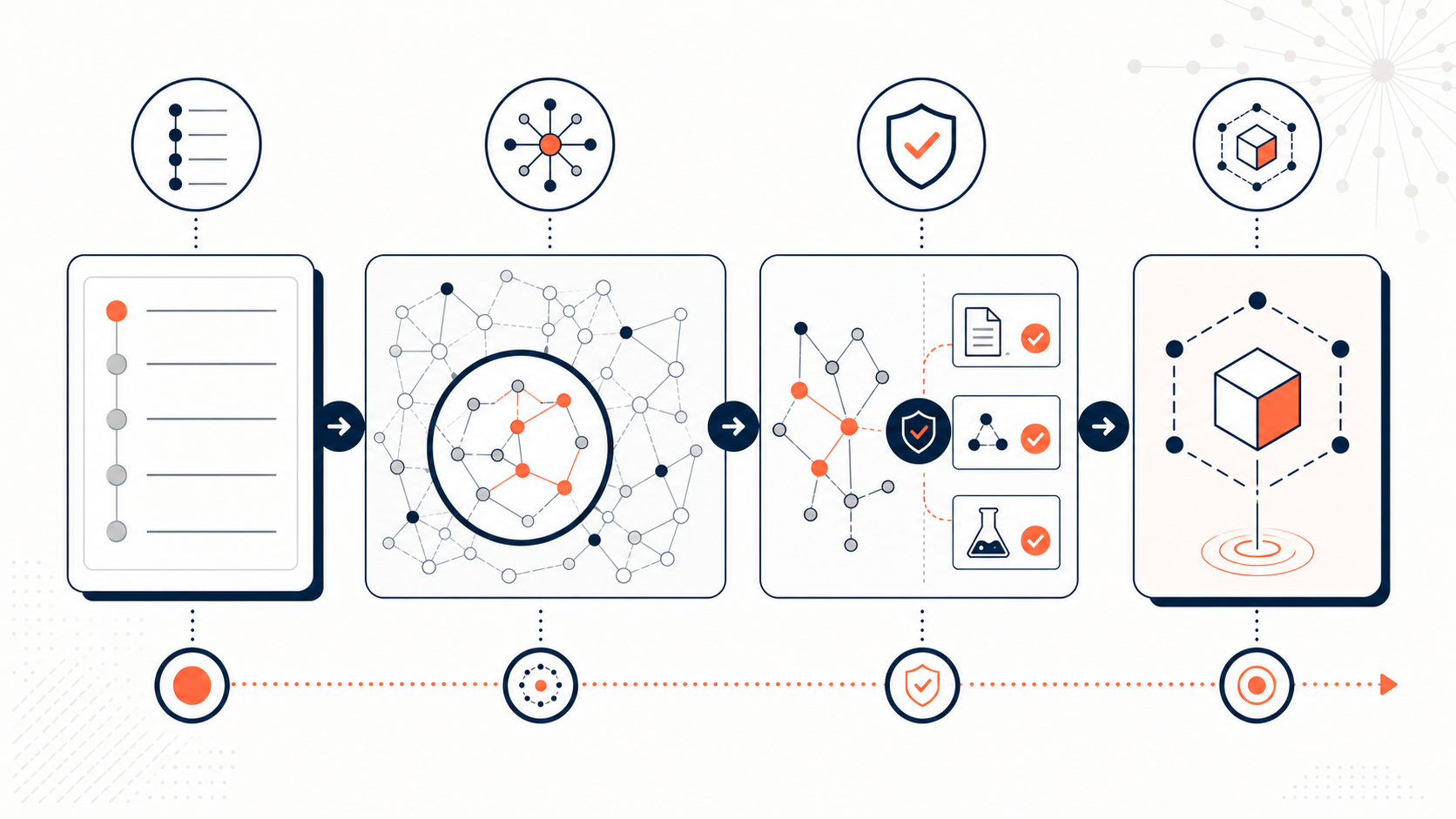
- Select one narrow task with a pinned repository revision and an independently checkable result.
- Begin with read-only or tightly allowlisted tools; do not expose broad credentials for convenience.
- Record the inputs, instruction revision, available tools, important tool calls, final result, and test output.
- Require a human to review every changed artifact during the first run set.
- Expand only after the same task type behaves acceptably across varied cases and failures are understood.
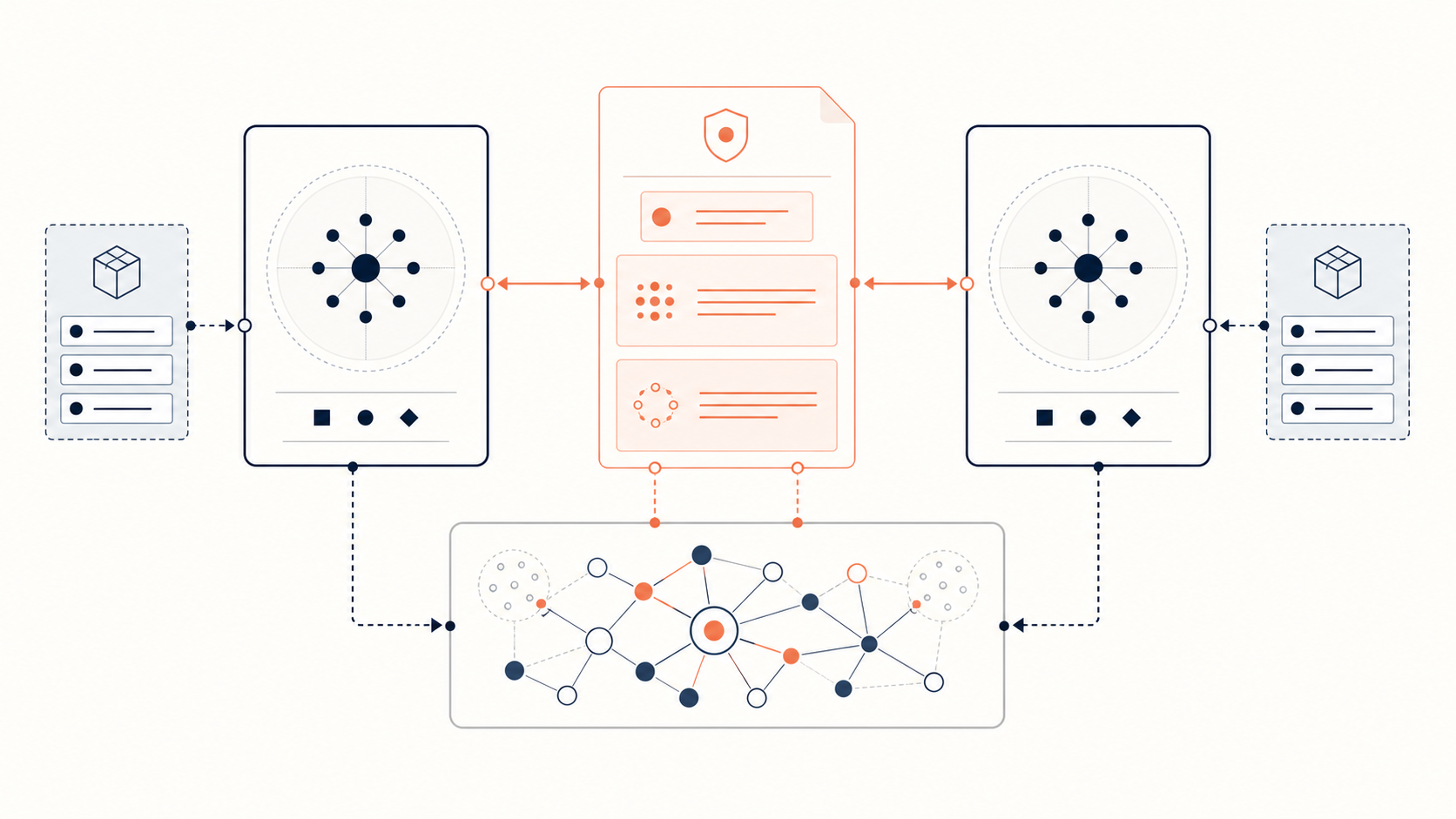
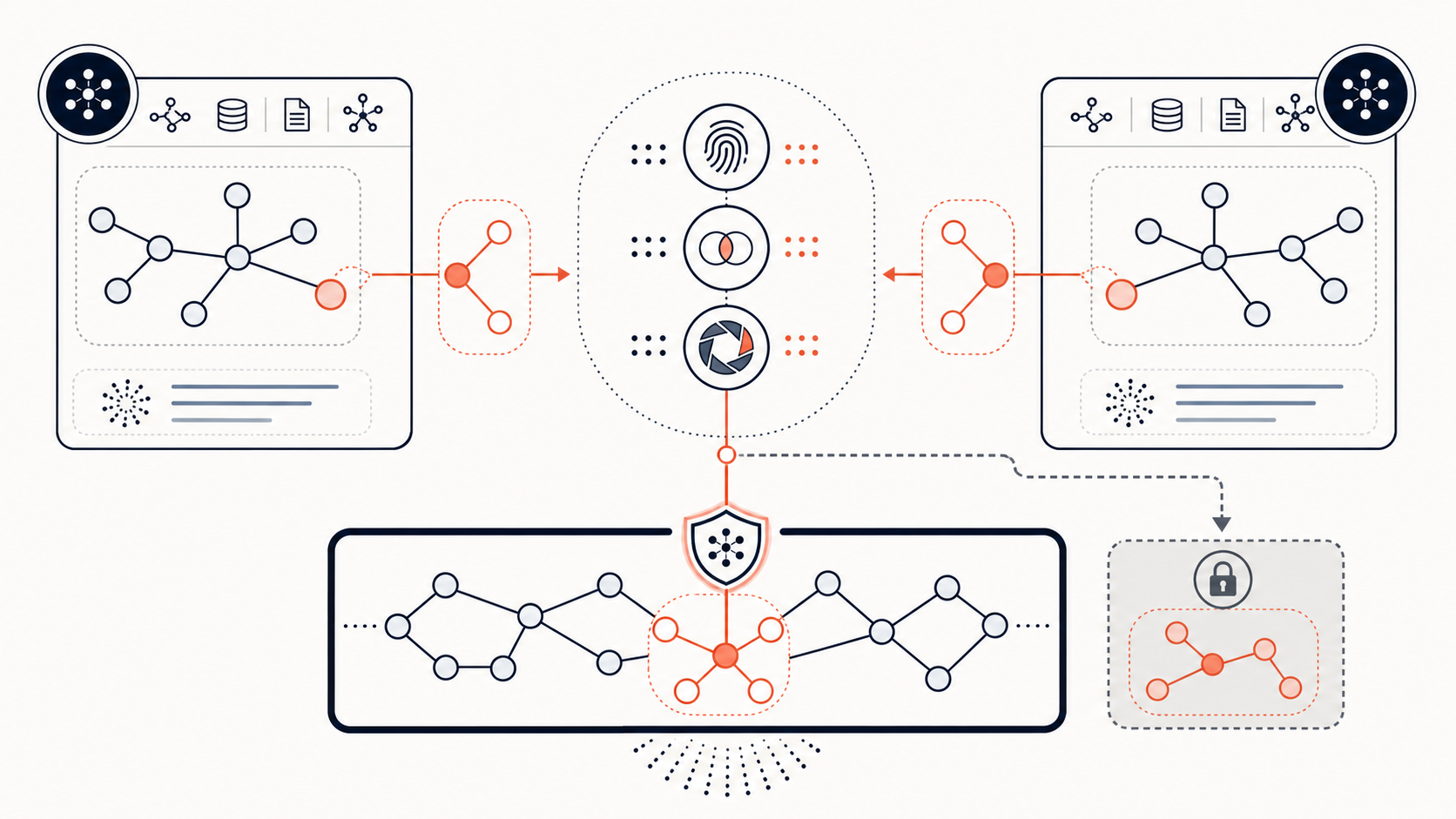
For codebases that need repeated structural retrieval, pair the pilot with a current project-memory layer rather than copying a large repository into every run. Graphify is one approach to supplying source-linked repository relationships; it does not remove the need for a bounded task, tests, and human approval.
FAQ
What is the Claude Code SDK?
In this comparison, “Claude Code SDK” refers to the programmable product that Anthropic officially calls the Claude Agent SDK. It exposes agent capabilities that power Claude Code through Python and TypeScript, while Claude Code itself is the interactive coding product. Use the official overview for current implementation details and terminology.
Conclusion
Use Claude Code when a developer should drive the coding session. Use the Claude Agent SDK when your own program must orchestrate a bounded, observable agent workflow. Start with the smallest safe pilot and expand only when the team can explain the task contract, tool boundary, evidence trail, and failure owner.