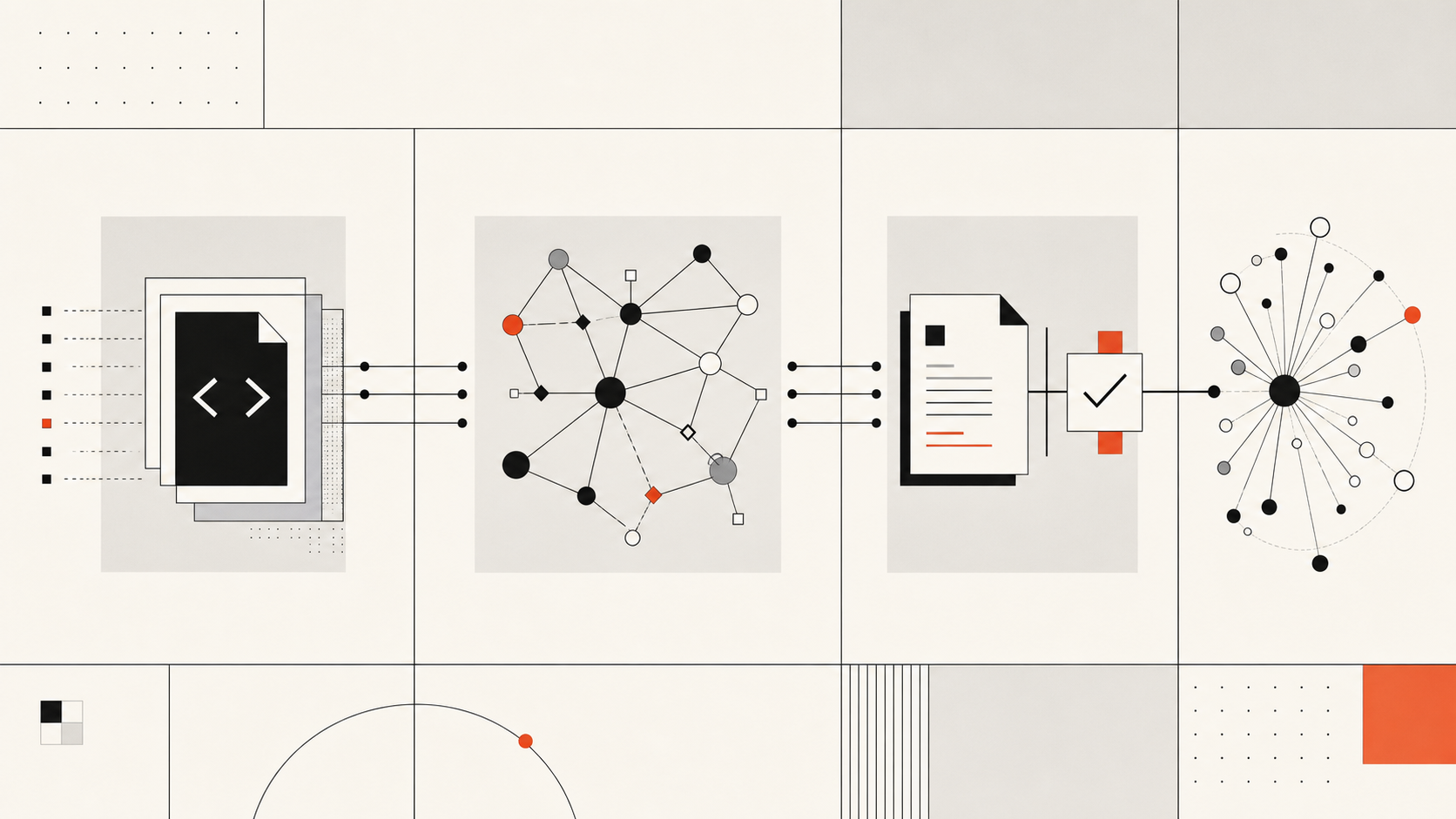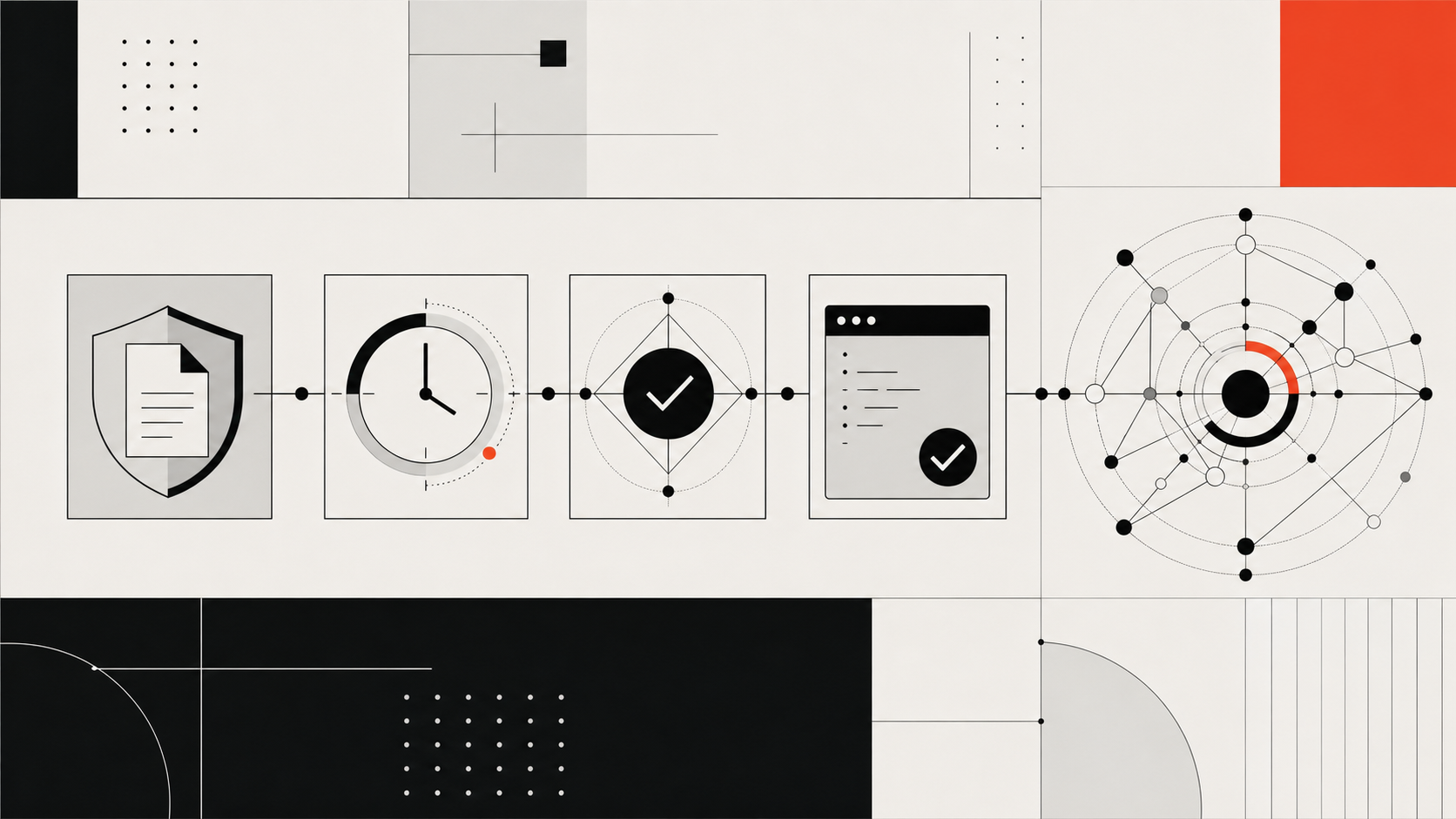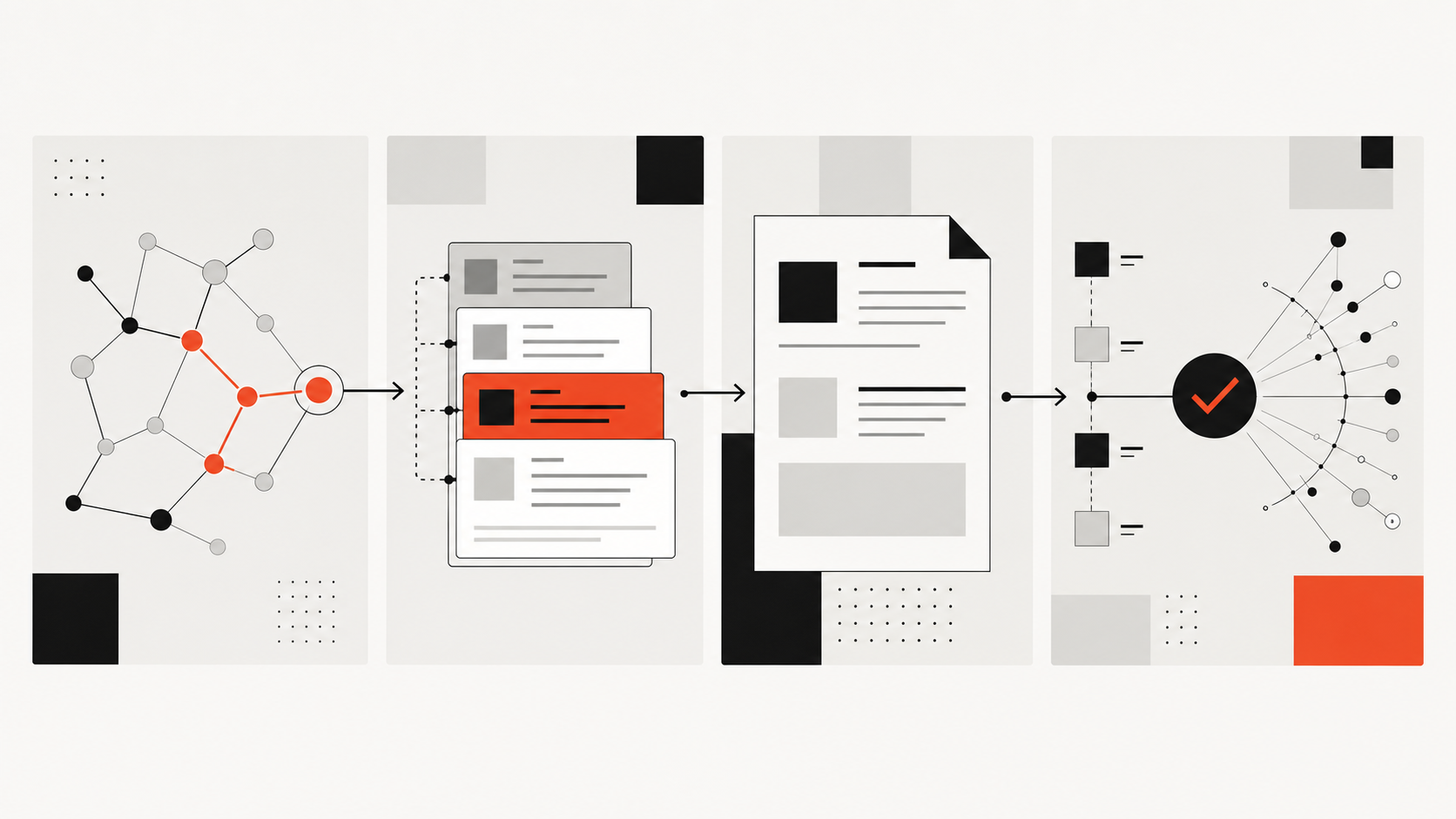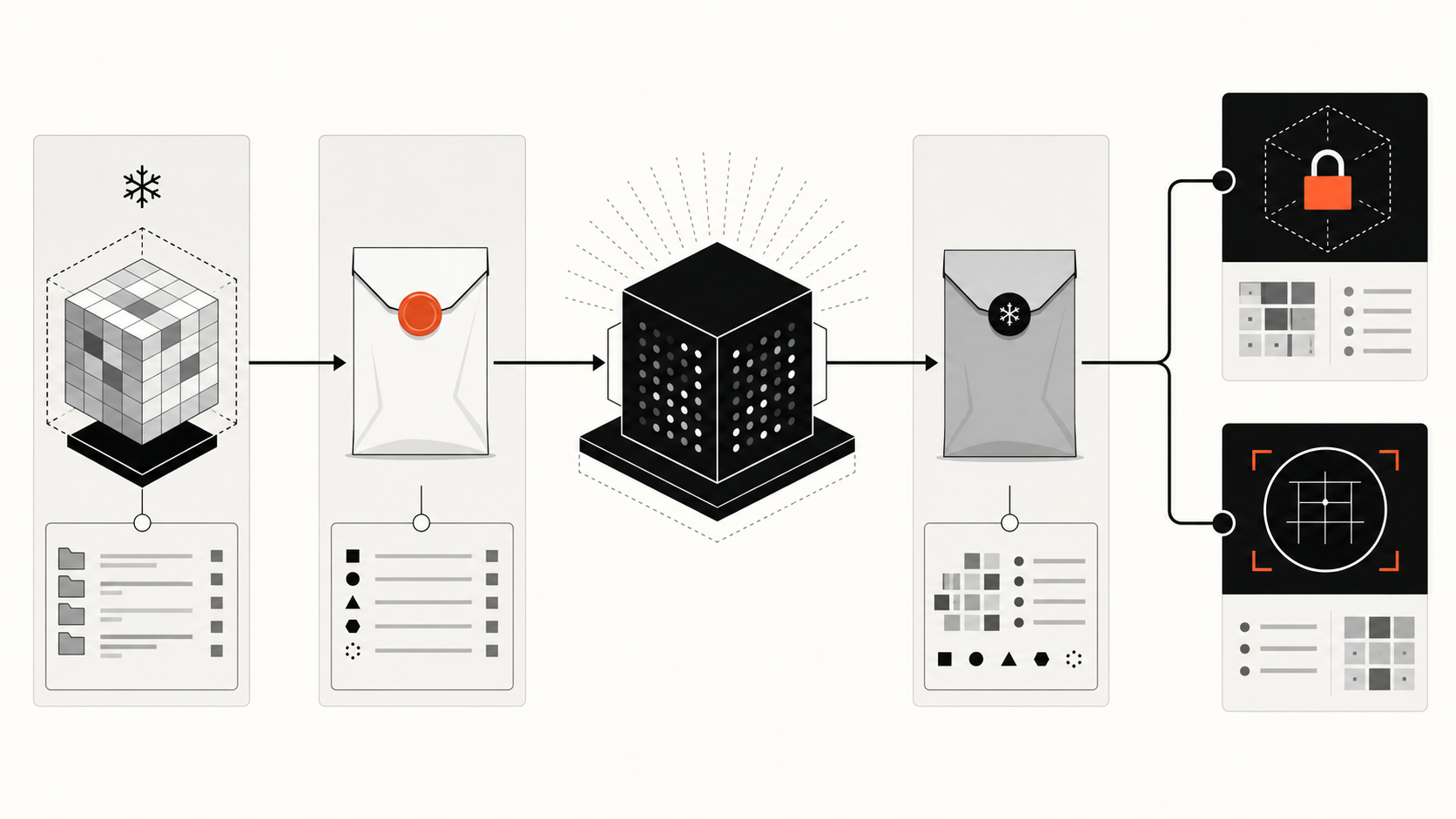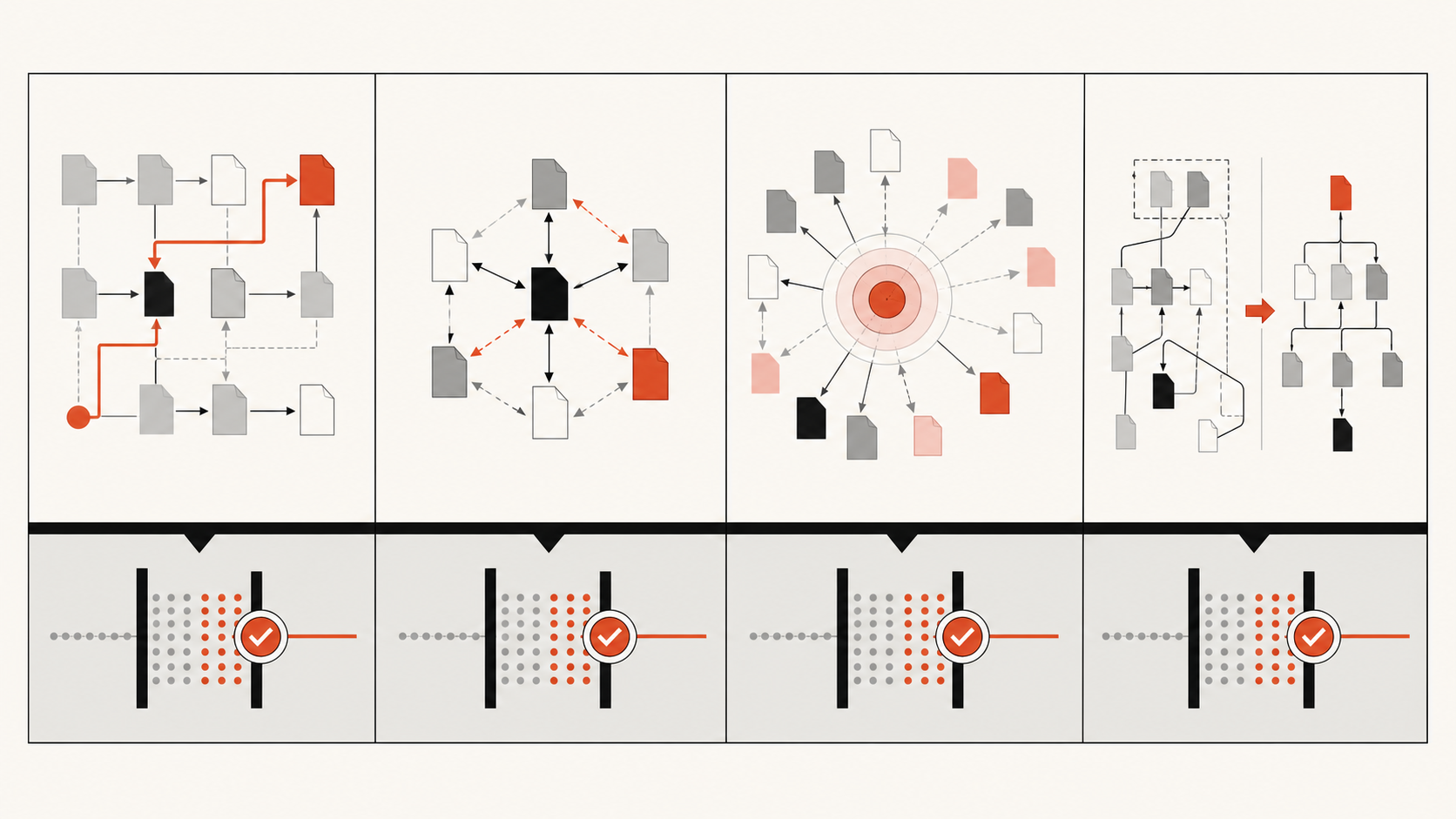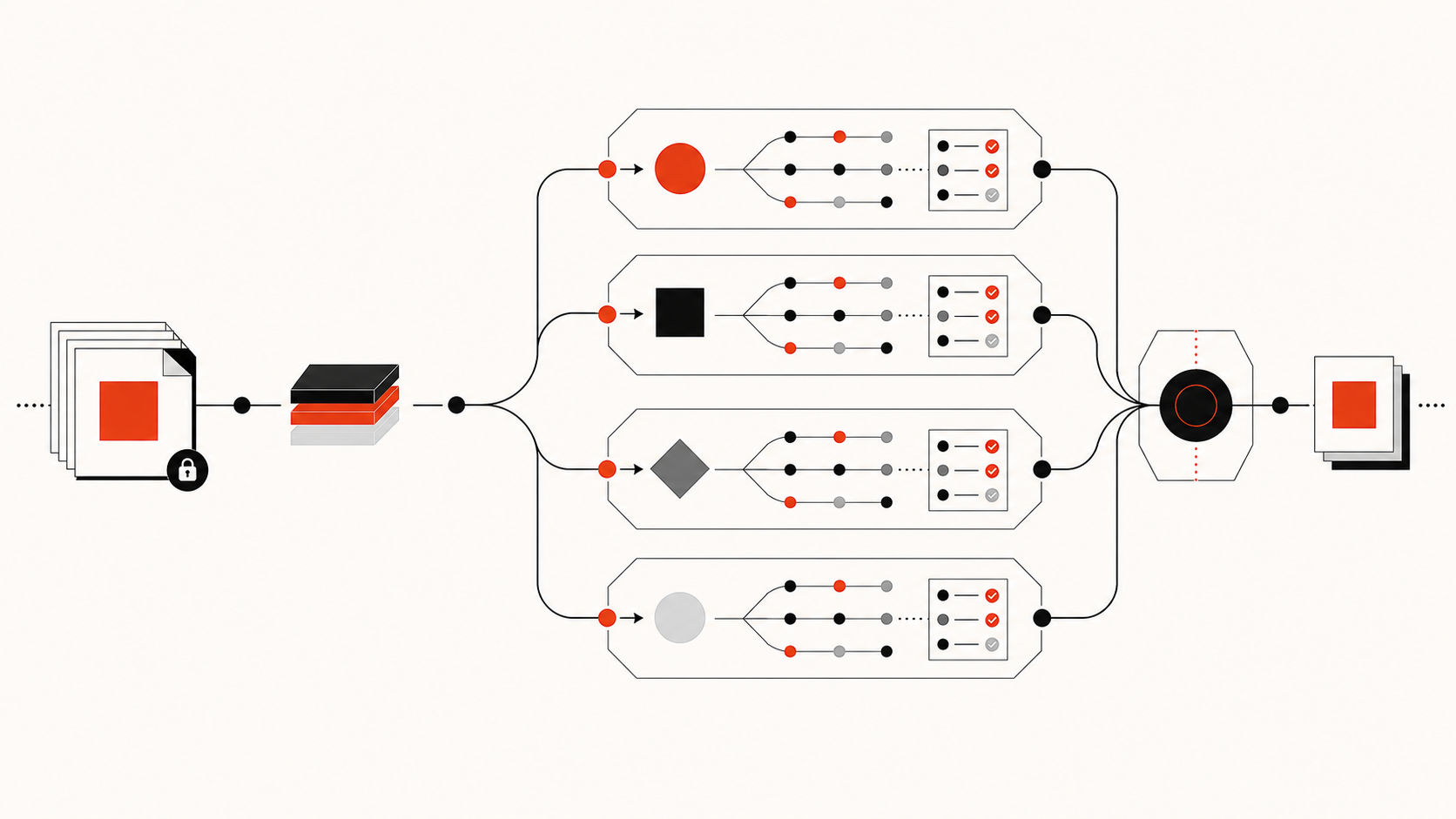
A Supacode large-codebase workflow can isolate each coding task in a real Git worktree, but the worktree does not explain architecture, call paths, design intent, or cross-module dependencies. Give every agent a narrow branch and directory plus a revision-bound repository evidence packet, then verify its plan against current source and tests.
This guidance reflects Supacode’s documented boundary as of July 23, 2026. Supacode v0.10.6 is a macOS worktree command center with per-worktree terminal state and reusable repository commands. The reviewed documentation does not present Supacode as a shared-memory system, code index, or knowledge graph. Those capabilities must come from your repository process or a separate context layer.
What Supacode Worktrees Solve
Supacode gives each task a concrete Git workspace. Its documentation says a new worktree is a real Git worktree backed by its own branch and directory, created under ~/.supacode/repos/<repository-name>/. Supacode selects the worktree, opens terminal state associated with it, and can run a configured setup script once.
For large repositories, that operating model solves several practical problems:
- one agent’s uncommitted files do not appear in another agent’s working directory;
- developers can keep multiple branches checked out without switching the main checkout;
- each worktree can retain its own terminal tabs, splits, notifications, and focused surface;
- setup commands can install dependencies, generate local artifacts, or launch an agent;
- run commands can repeat common development or test actions;
- archive commands can stop local infrastructure before the worktree is put away.
These controls reduce accidental interference and make task state easier to inspect. They also create a useful review boundary: branch, diff, terminal, and tests can be associated with one worktree.
Git itself still shares important repository data across linked worktrees. Most refs are shared, even though HEAD, the index, and other selected files are per-worktree. Services outside Git—ports, databases, caches, cloud environments, credentials, and queues—need their own isolation. A new directory is not a new infrastructure account.
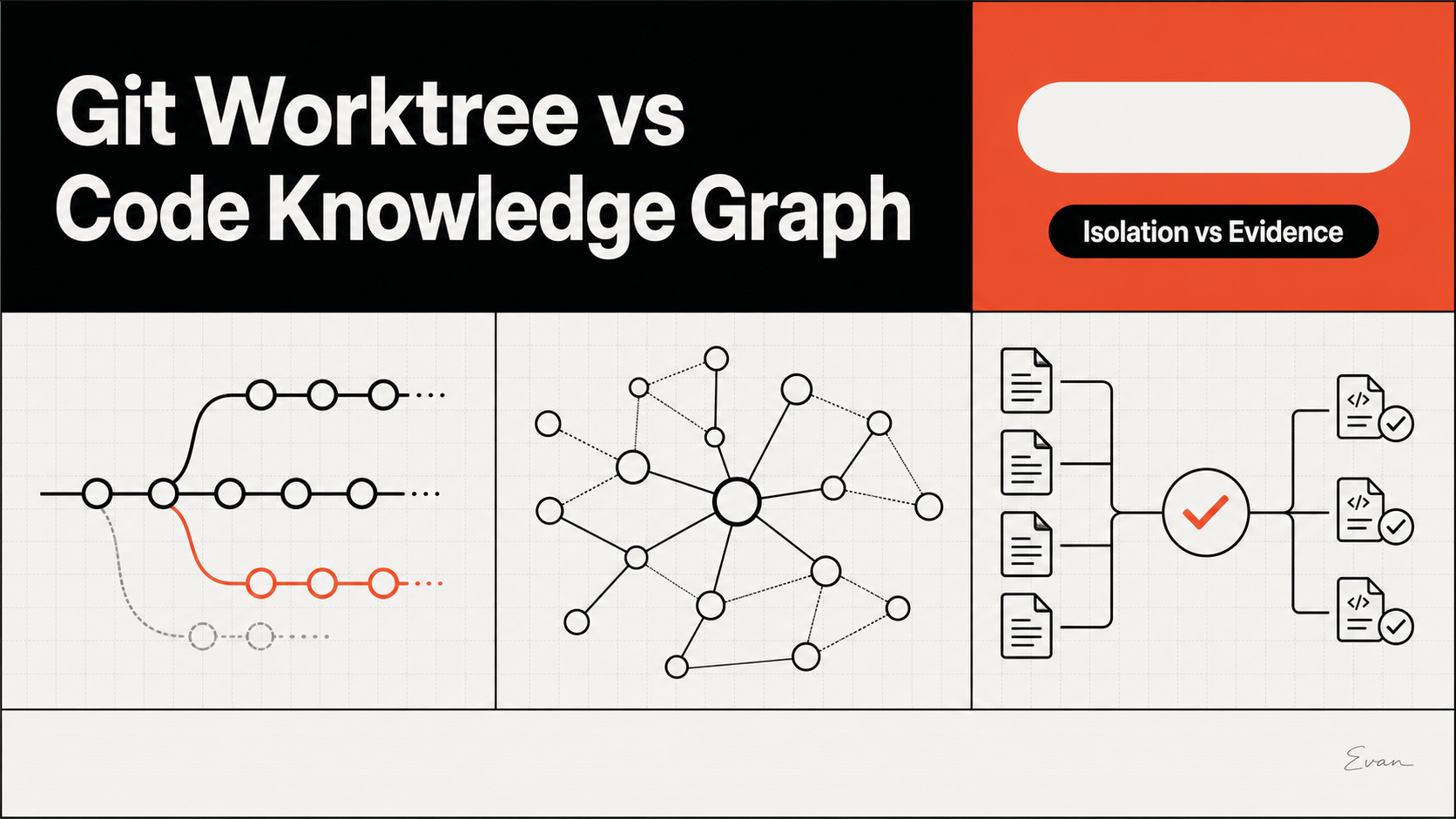
The comparison in Git Worktree vs Knowledge Graph explains this division between write isolation and relationship-aware repository context.
Why Isolation Is Not Repository Understanding
An isolated checkout answers “where may this agent work?” It does not answer “which parts of the system govern this change?”
In a large codebase, behavior may span a public API, implementation package, generated client, database schema, feature flag, deployment configuration, and integration tests. An agent entering a clean worktree still has to locate those pieces. If it starts with broad recursive searches, it may spend tokens rediscovering the same layout another agent already mapped. Worse, it may stop after finding the first plausible match.
Repository understanding requires evidence about relationships and authority:
- which module owns the behavior;
- which callers and consumers depend on its current contract;
- which files are generated rather than directly edited;
- which design record explains an unusual constraint;
- which tests exercise the behavior at the correct boundary;
- which facts are observed and which remain hypotheses.
Supacode’s per-worktree terminal helps an agent run searches, tools, and tests in the right directory. Its repository commands make repeatable actions convenient. Neither feature establishes that the selected files are complete or that an architectural conclusion is correct.
The general Agent Swarm Codebase Context pattern is relevant even if you run only a few agents: shared evidence needs a revision, task packets need boundaries, and integration needs an owner.
Large Codebase Failure Modes
Parallel worktrees amplify existing repository weaknesses. Watch for failure modes that look like progress inside one branch but fail at integration.
False locality happens when the agent edits the closest file and misses an indirect caller, configuration gate, or generated artifact. The patch passes a narrow unit test but violates a wider contract.
Duplicate discovery happens when every agent scans the same top-level directories, dependency manifests, and test tree. Isolation makes the scans independent; it does not make them efficient.
Logical overlap occurs when agents modify different files that implement the same public behavior. Git may show no textual conflict, yet the combined changes disagree.
Base drift appears when long-running worktrees begin from different commits. A context packet built for one base can mislead an agent working from another.
Shared-resource collision appears when isolated directories point at the same database, development port, cache namespace, or cloud environment.
Unreviewed summaries become a problem when one agent’s inference is copied into shared context as fact. The next agent may treat a tentative conclusion as repository truth.
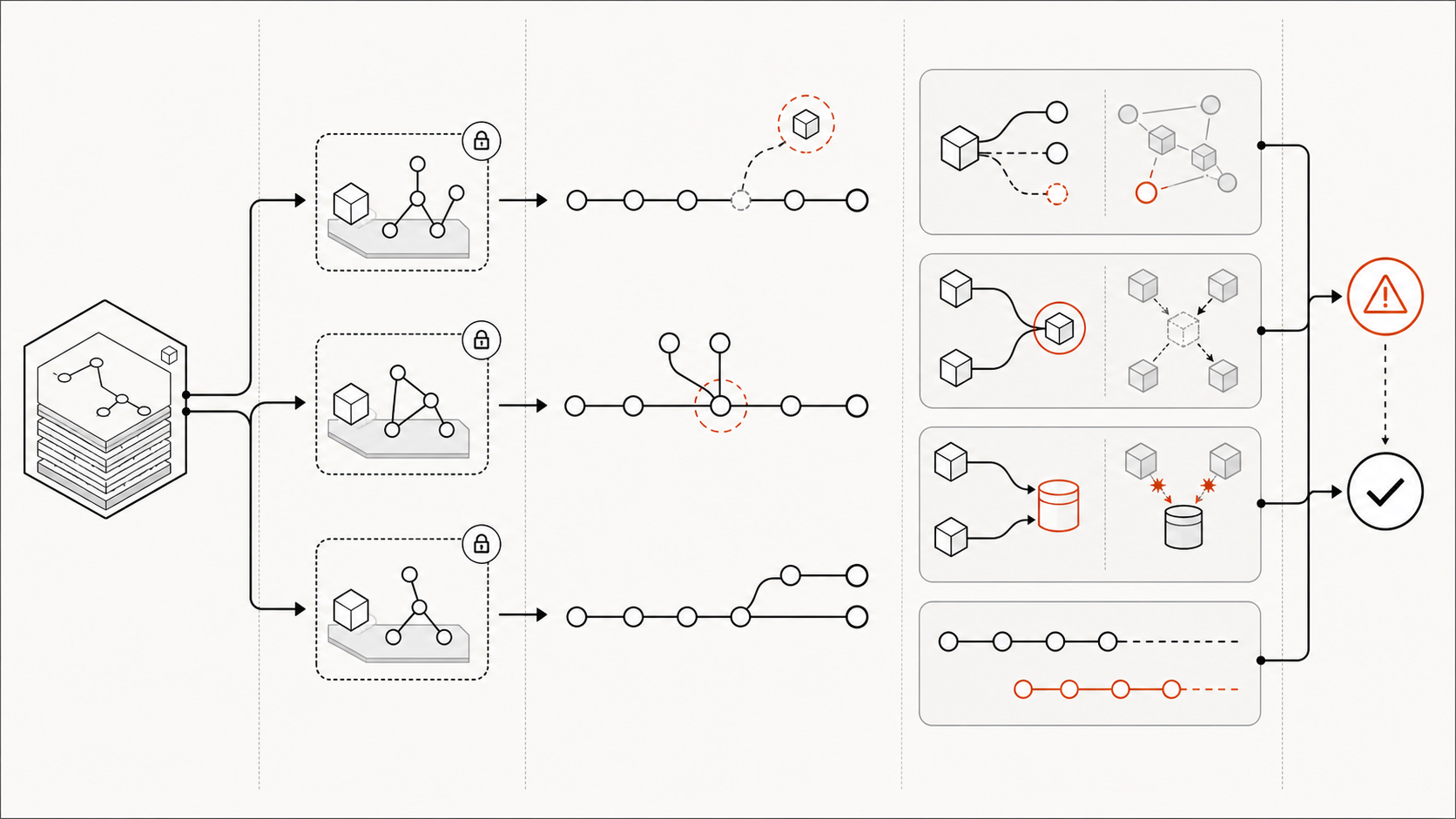
Mitigation starts before the first agent launches. Pin the base commit, identify public-contract ownership, enumerate external resources, and define the expected verification surface. Then make uncertainty visible rather than encouraging an agent to complete a confident narrative.
Where Code Knowledge Graphs Fit
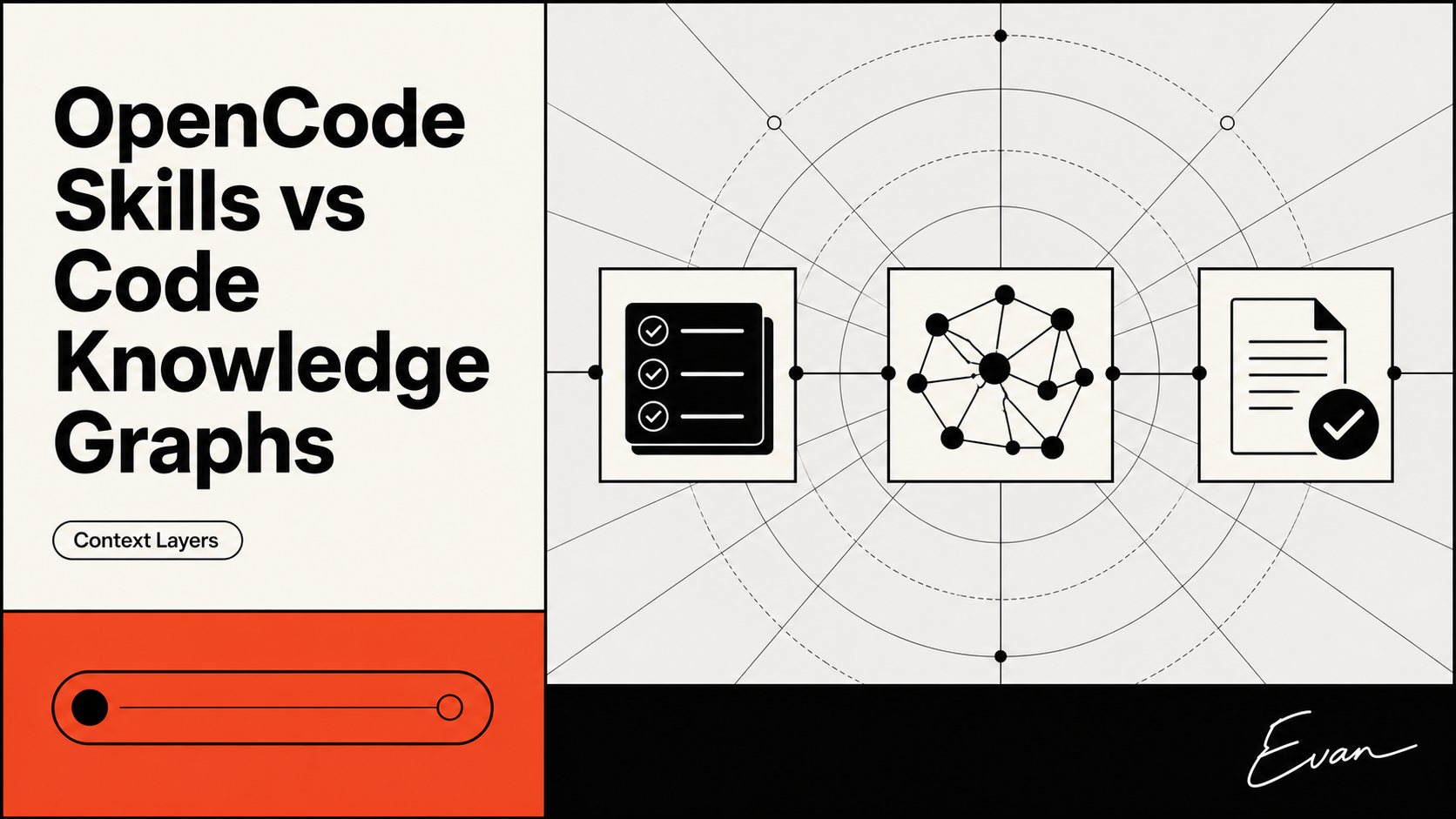
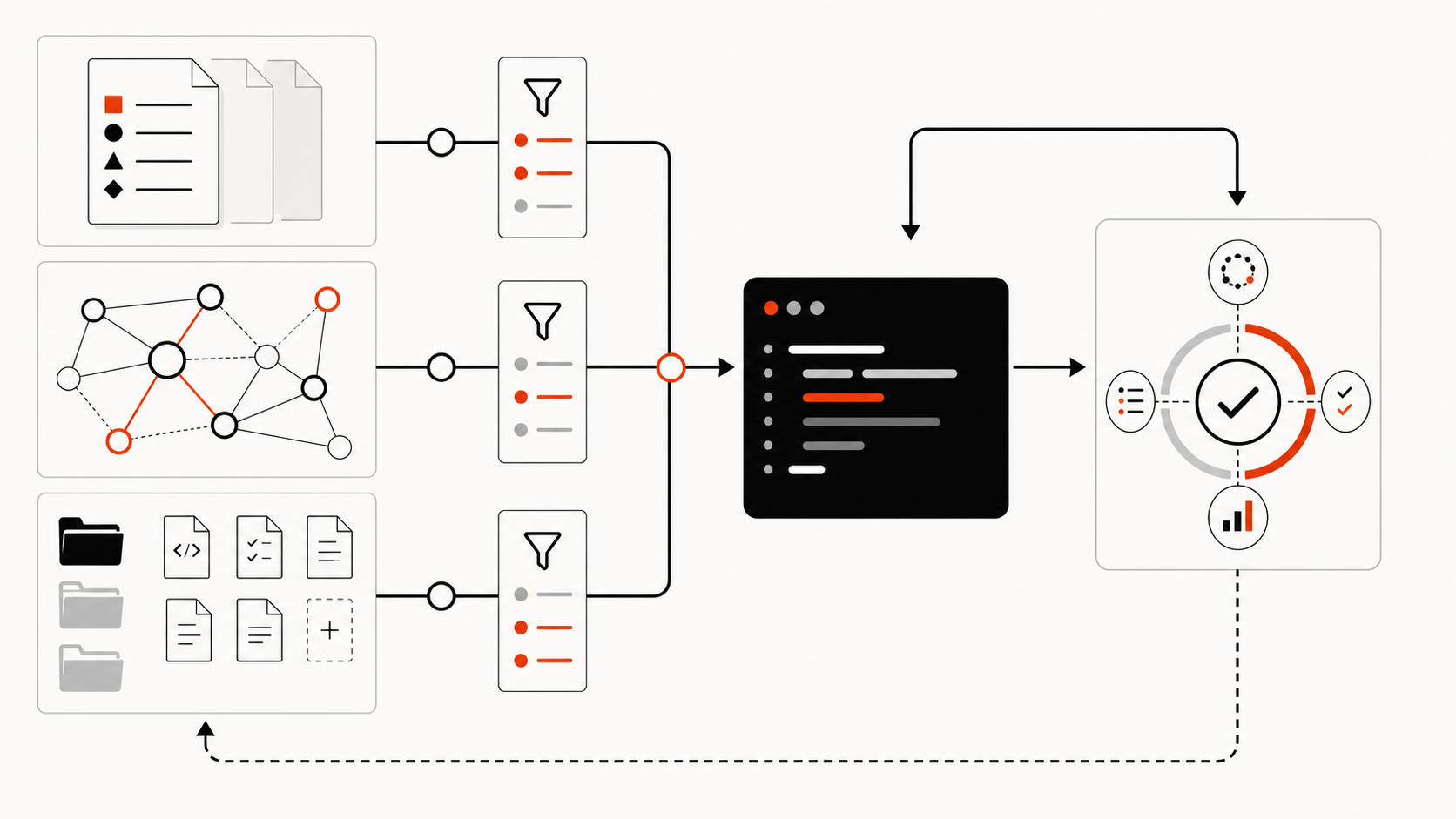
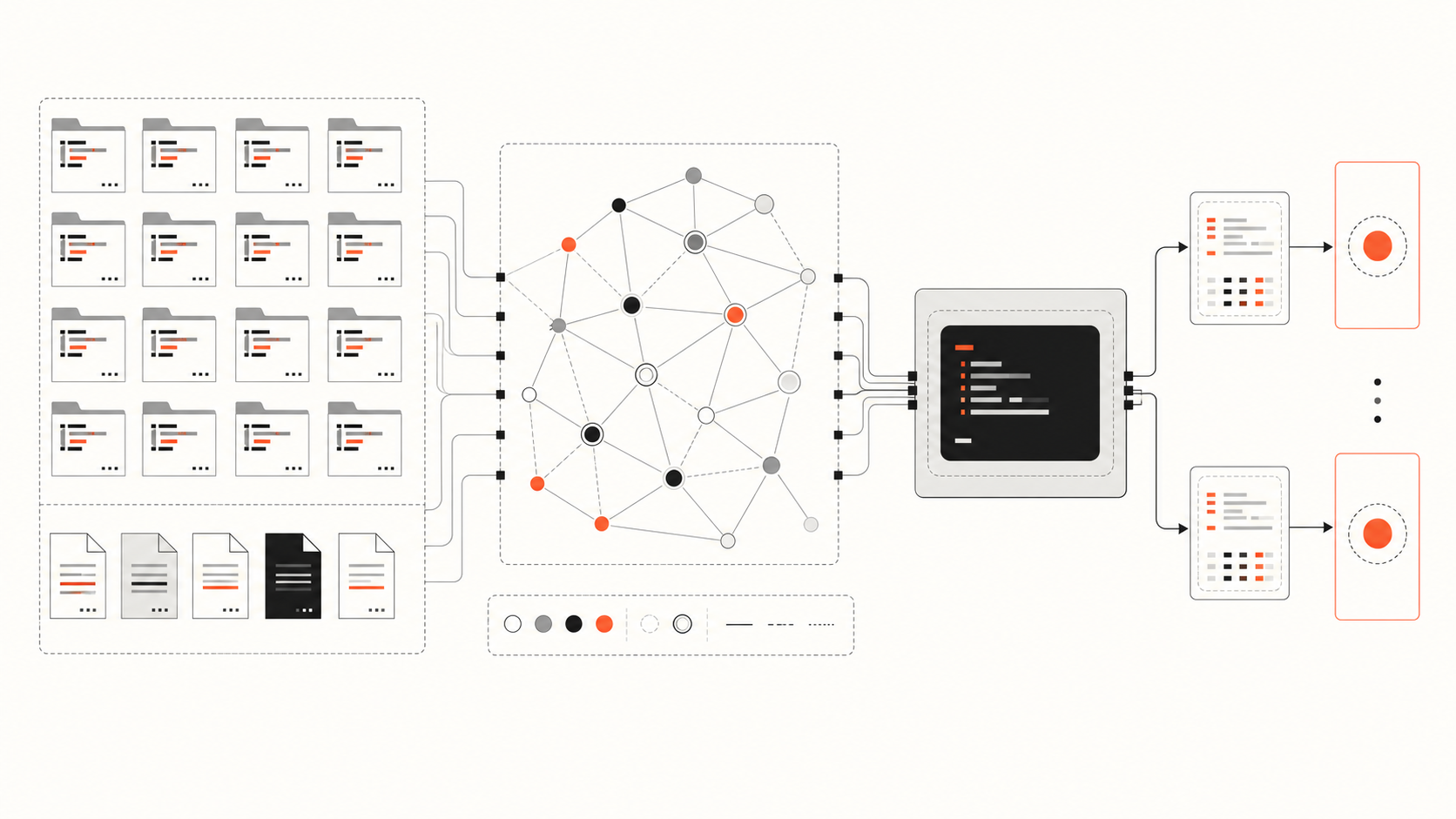
A code knowledge graph or structured repository map fits between task assignment and source inspection. It can return candidate modules, symbols, dependency edges, tests, documents, and owners for a task. This makes repository context reusable without merging each agent’s branch or terminal state.
The graph should be read-only for ordinary task agents and labeled with the commit it represents. It should also expose coverage limits: unsupported languages, failed parses, excluded generated code, or edges inferred from configuration. Retrieval is a starting point, not proof.
A useful query packet might include:
- the task and permitted write paths;
- the indexed commit and current worktree commit;
- entry points and likely implementation symbols;
- direct callers and relevant transitive consumers;
- related tests, schemas, configuration, and documents;
- missing evidence that requires manual search.
The agent then confirms each important relationship in its own worktree. Dynamic registrations, reflection, runtime flags, and external systems often require tests or operational evidence beyond a static graph.
For teams designing this layer specifically around Supacode worktrees, Supacode Shared Context Across Worktrees provides a release-order companion architecture.
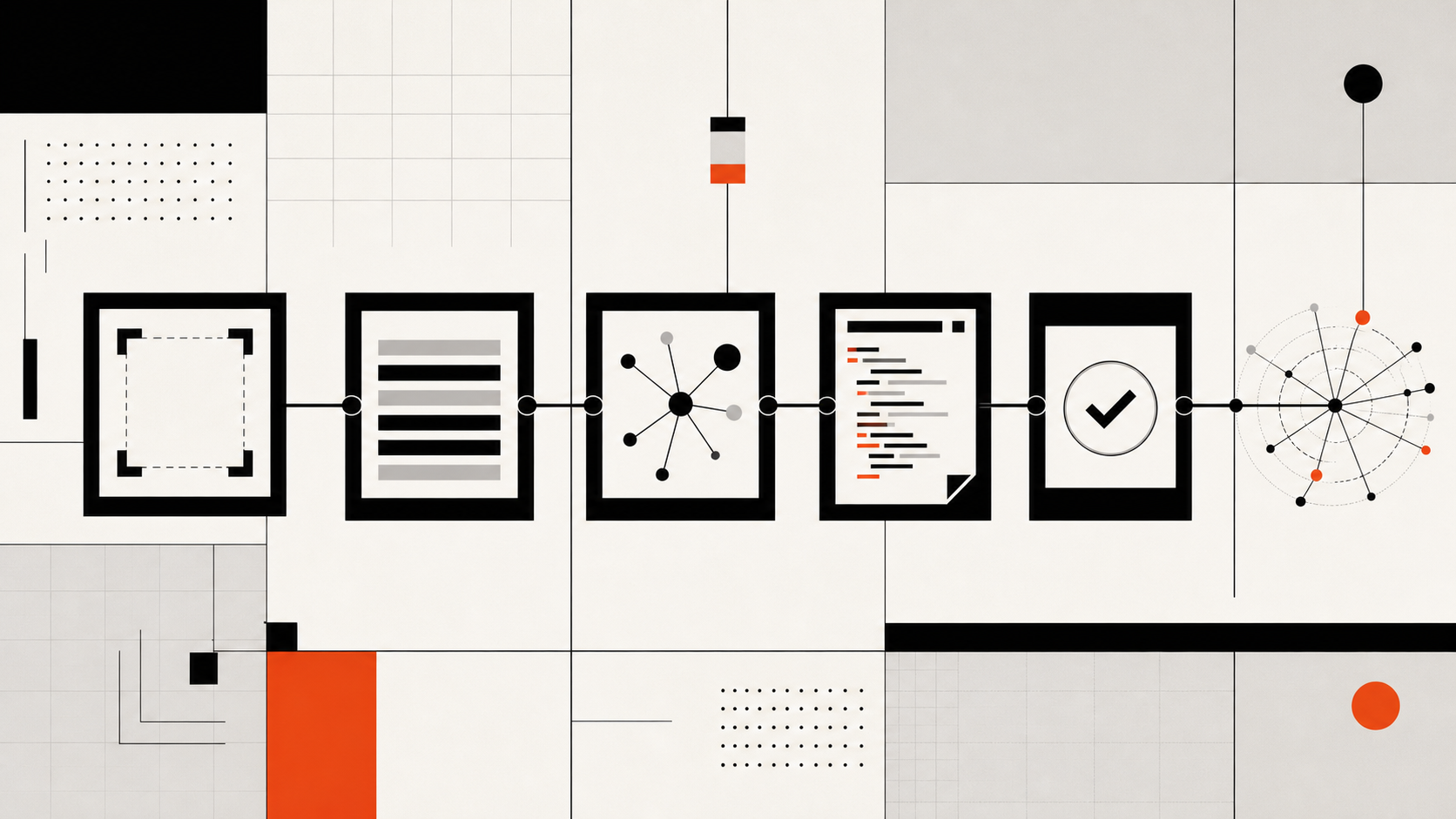
Practical Setup Pattern
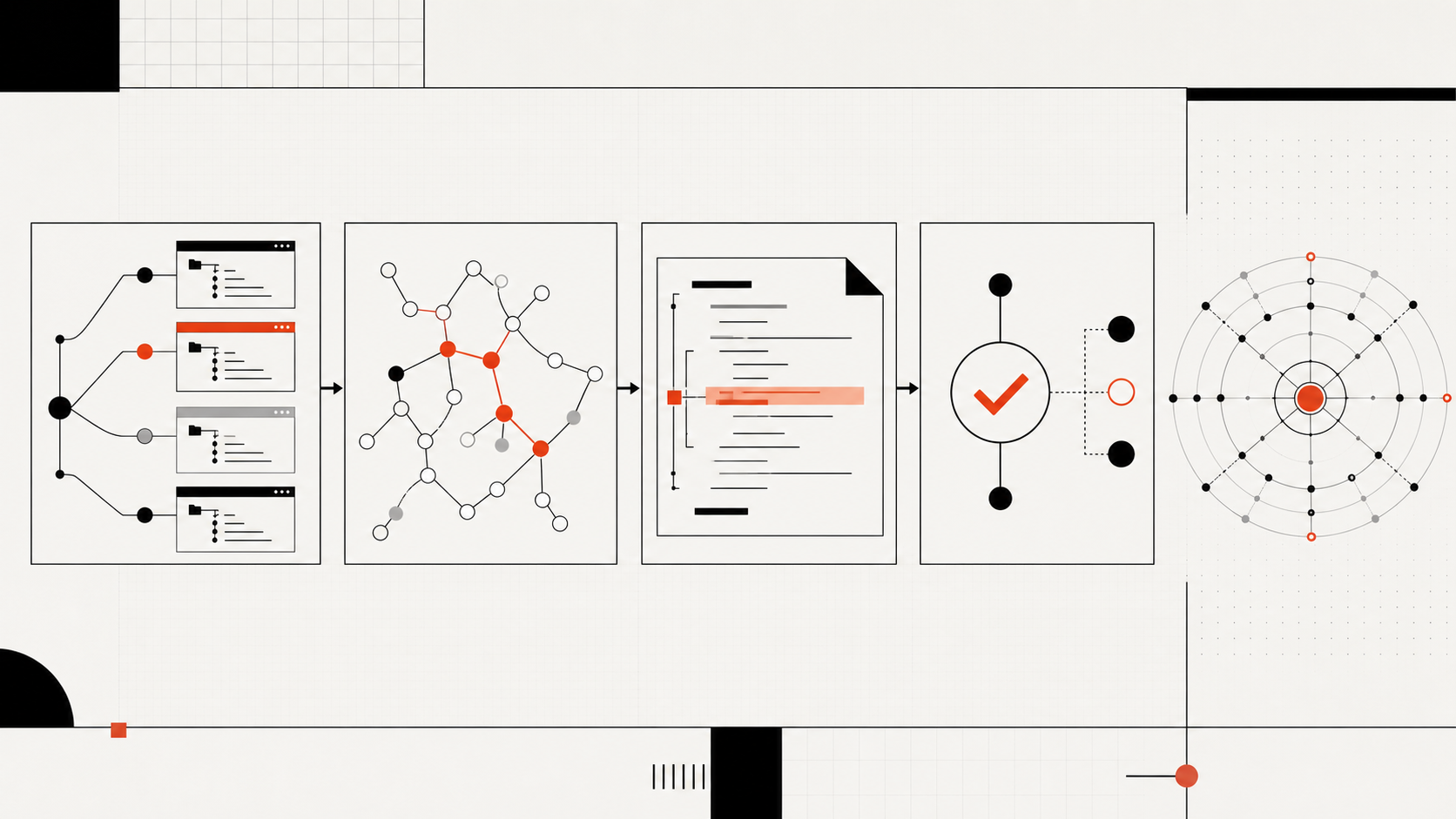
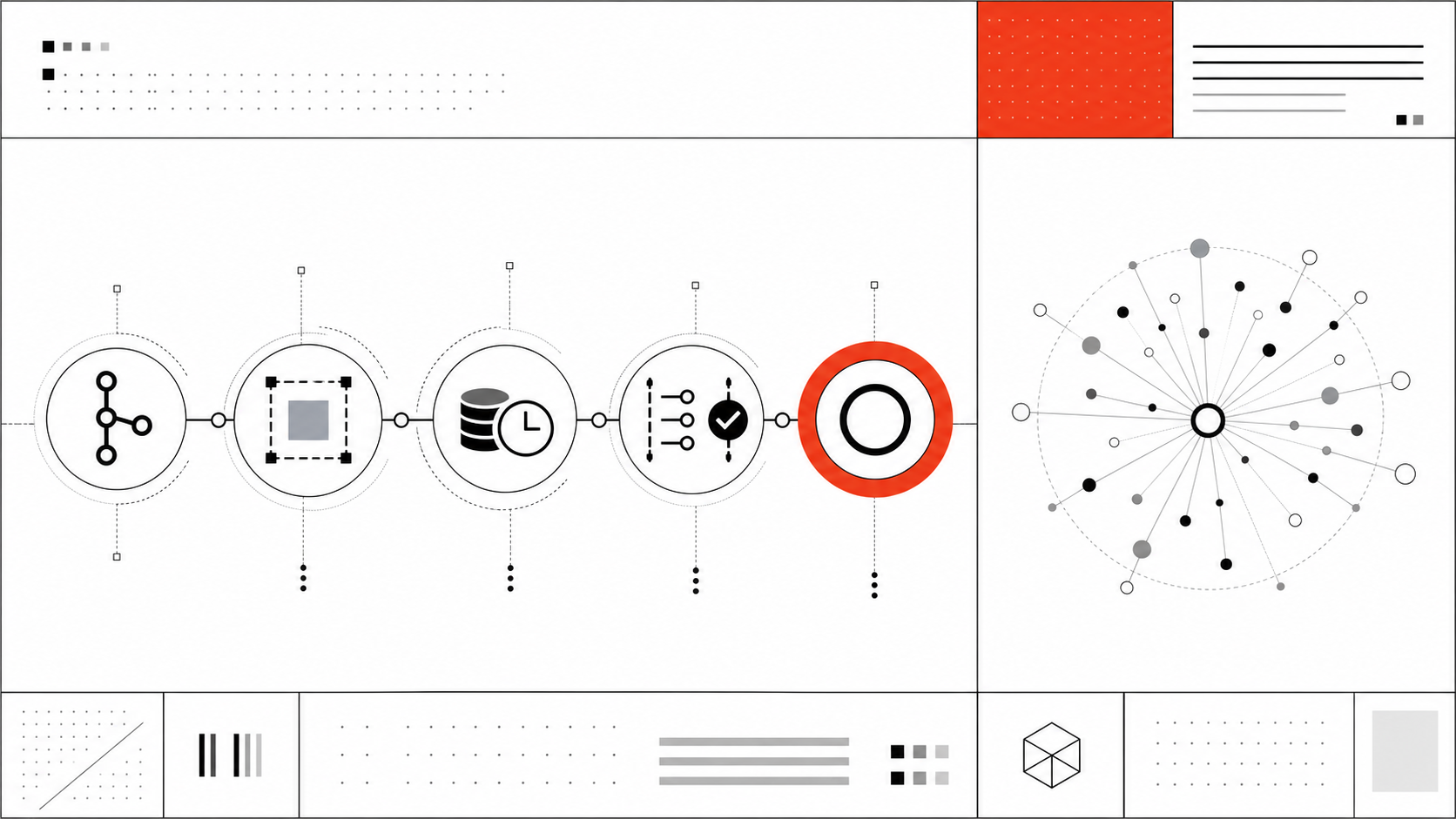
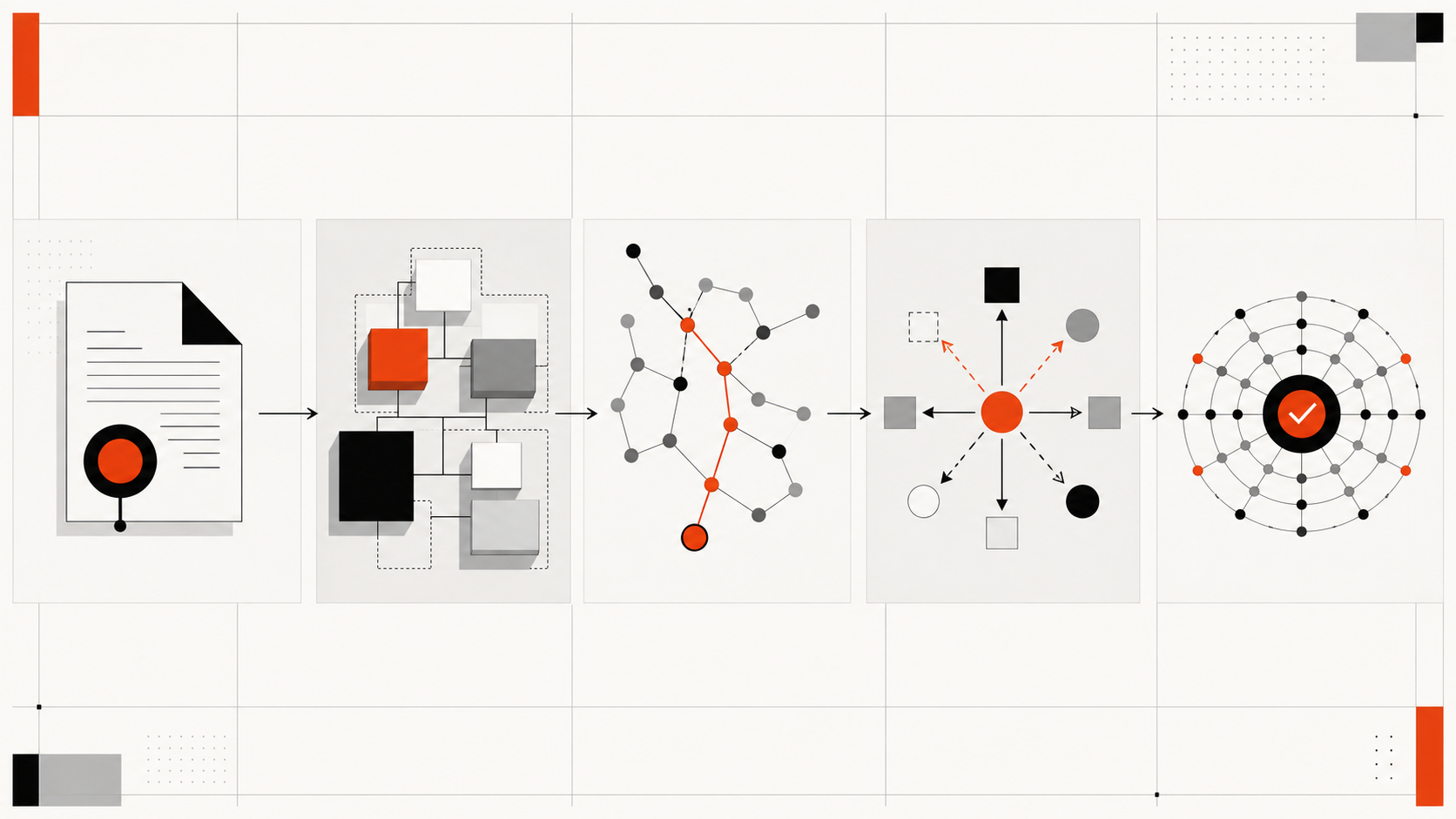
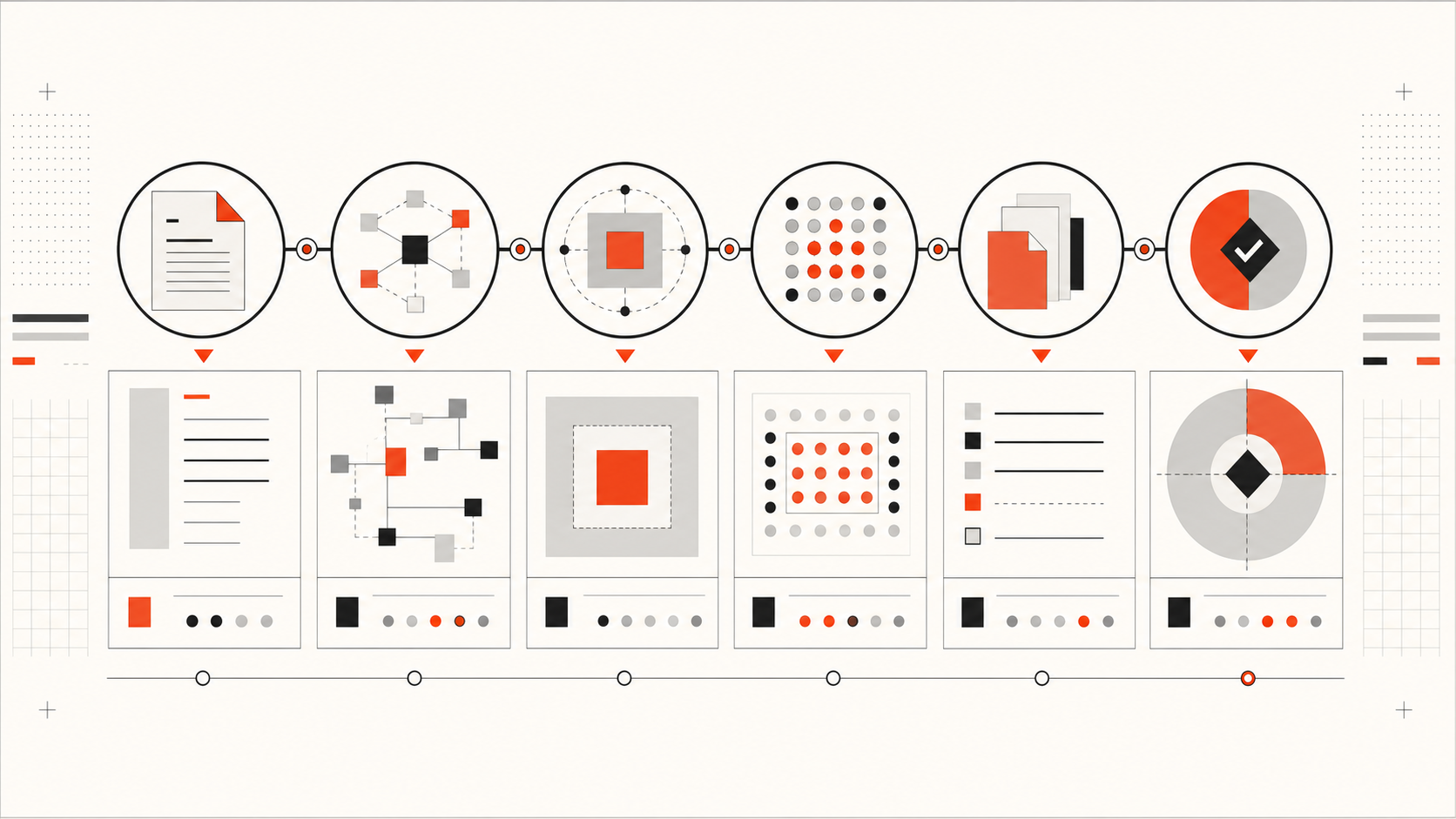
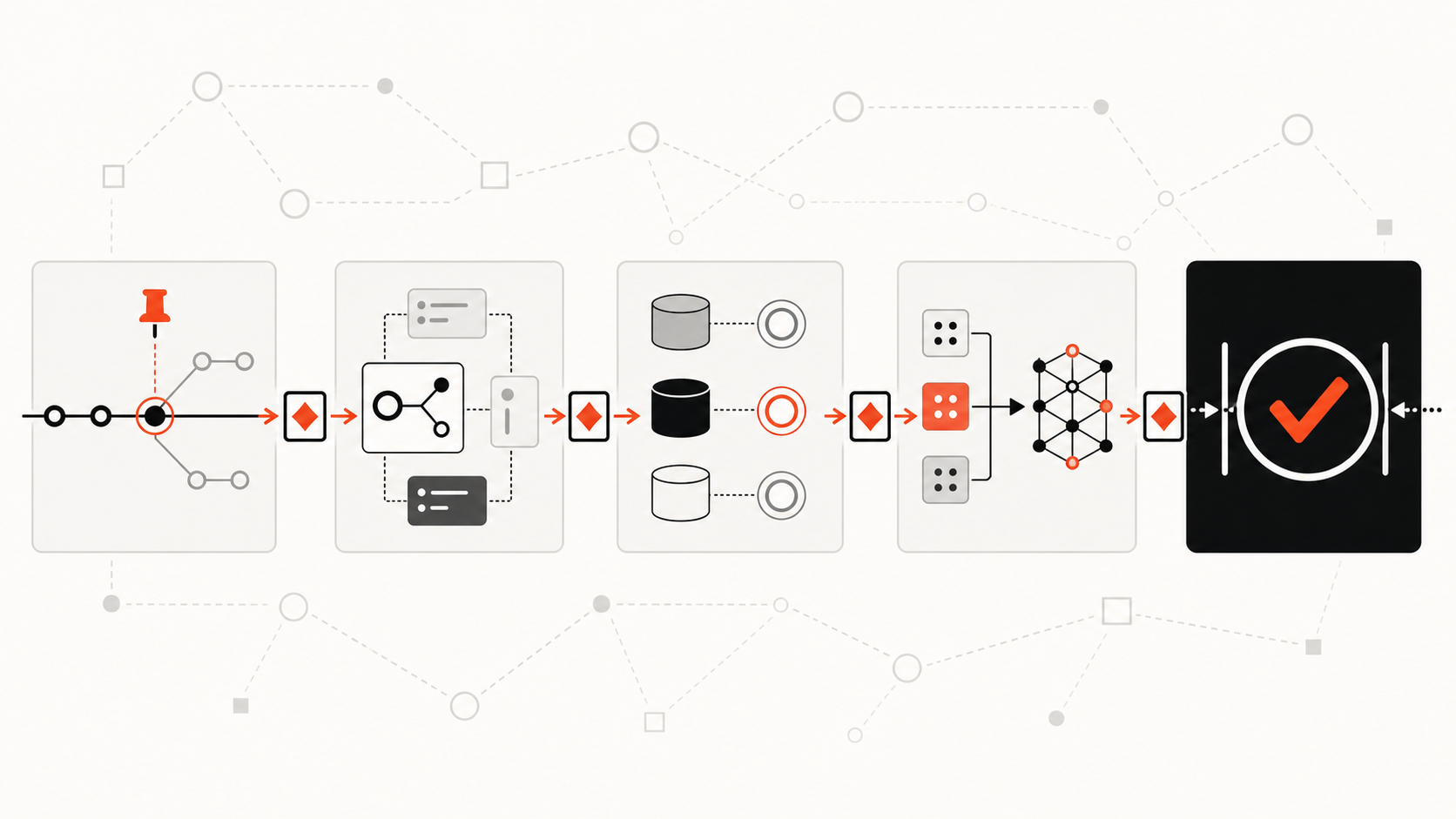
Use a setup pattern that separates Git state, repository facts, and task decisions.
First, add the repository to Supacode and verify the actual Git binary, base branch, and managed worktree location. Supacode currently documents macOS 26.0 or newer as a requirement. Pin the app release during a controlled rollout; v0.10.6 was the latest first-party GitHub release when this article was verified.
Second, define repository commands conservatively. A setup script may install dependencies, generate required local artifacts, or start the chosen coding agent. A run command may launch the standard test watcher or development server. An archive script may stop task-local infrastructure. Because these commands execute in worktree terminal context, keep them reviewable and avoid embedding secrets.
Third, build a read-only context artifact for an approved base commit. It may be a module map, symbol index, dependency graph, test map, or a combination. Store provenance and generation failures. Do not store task-terminal output or unreviewed conclusions in the repository-facts layer.
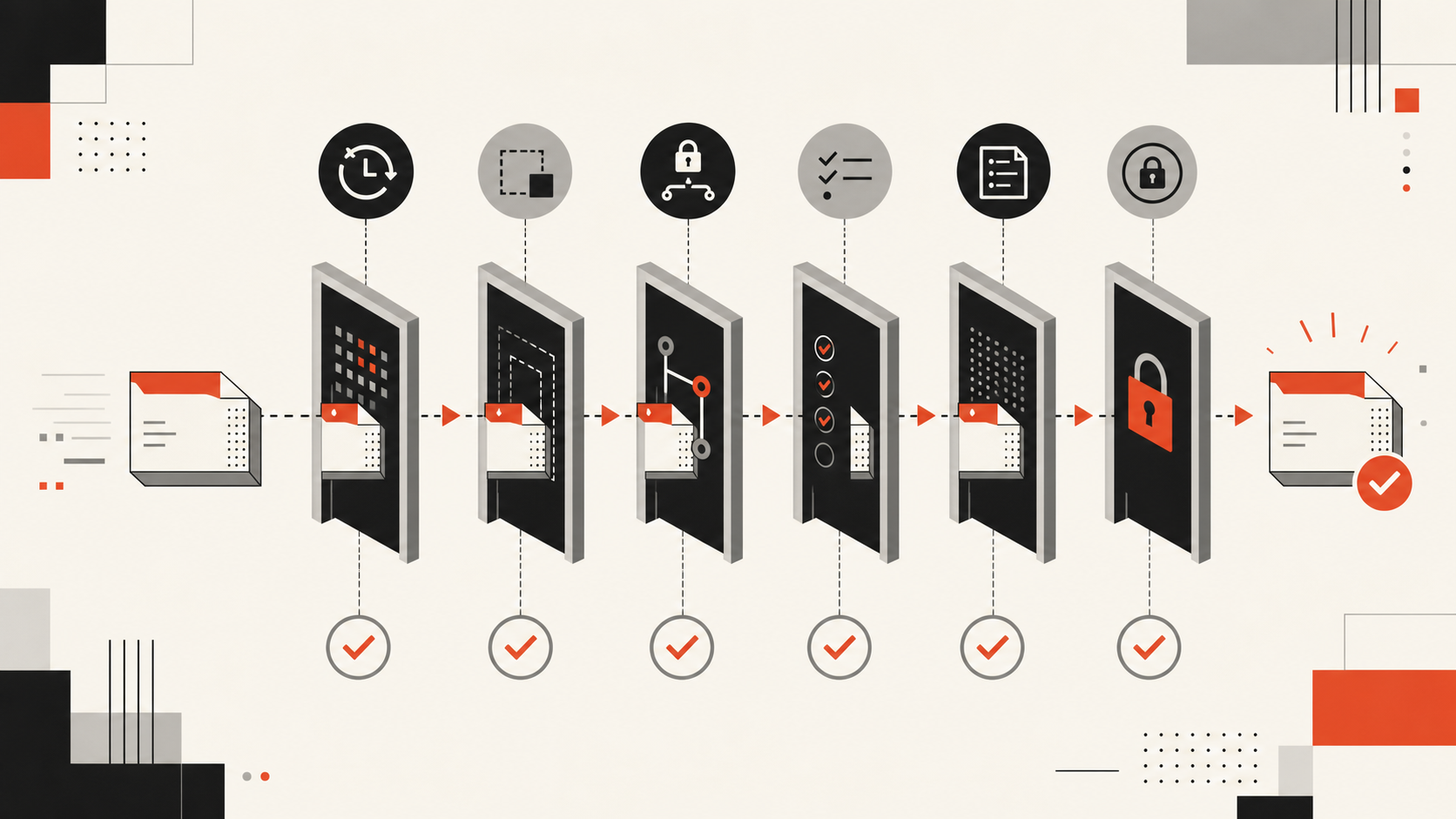
Fourth, assign each task a branch, write scope, owner, service namespace, and evidence packet. Require a plan before edits and focused tests before broad tests. If two packets touch the same public contract, sequence the tasks or give one integrator authority.
Fifth, integrate deliberately. Update the branch from the approved base, rerun impact queries when the diff changes a public boundary, execute combined tests, and review the final diff independently of each worktree’s local success.
FAQ
Who should maintain shared repo context?
Assign a named team or role that already owns developer infrastructure, architecture documentation, or code intelligence. Task agents may report missing or stale evidence, but reviewed automation or responsible maintainers should approve changes to shared repository facts. Ownership should include refresh policy, access control, coverage monitoring, and incident correction.
What should be verified before running parallel agents?
Verify the base commit, worktree branch, write scope, shared-contract ownership, context revision, setup command, test command, ports, data stores, credentials, generated files, and integration order. Confirm that every agent can distinguish observed source evidence from inferred relationships and knows when to escalate uncertainty.
When should teams avoid parallel worktrees?
Avoid parallel execution when tasks change the same public contract, depend on an unsettled architecture decision, require one scarce mutable environment, or cannot be tested independently. Sequential work is also safer when the context map is materially stale or the integration owner cannot review combined behavior.
Conclusion
Supacode large-codebase worktrees are an effective isolation surface, not an automatic understanding layer. They organize branches, directories, terminals, and repeatable commands so multiple tasks can proceed with clearer operational boundaries.
Add repository understanding separately. Bind a read-only context map to the base commit, keep task reasoning private until reviewed, verify relationships in current source, and test the combined result. That layered workflow preserves what worktrees do well without asking them to solve architecture discovery.