I started using AI to write code in 2024. Two years later, my day-to-day development work looks very different. I hand tasks to agents: Codex handles refactors, Claude Code fixes bugs, and several projects often run in parallel. The tools themselves are strong enough that I initially assumed the bottleneck would be model quality.
It was not. The real friction sits around the model.
I switch to another project and have no idea whether the agent is still working or has been waiting at a confirmation prompt for half an hour. Two agents touch the same workspace and Git turns into a crime scene. A long task is halfway done, but I need to leave my desk. I want an agent to query a test database, but giving it credentials is obviously a bad idea. Every new session needs the same project rules repeated again. At the end of the month, I still do not know which project, model, or worktree burned the tokens.
I looked around and did not find something that fit the way I work.
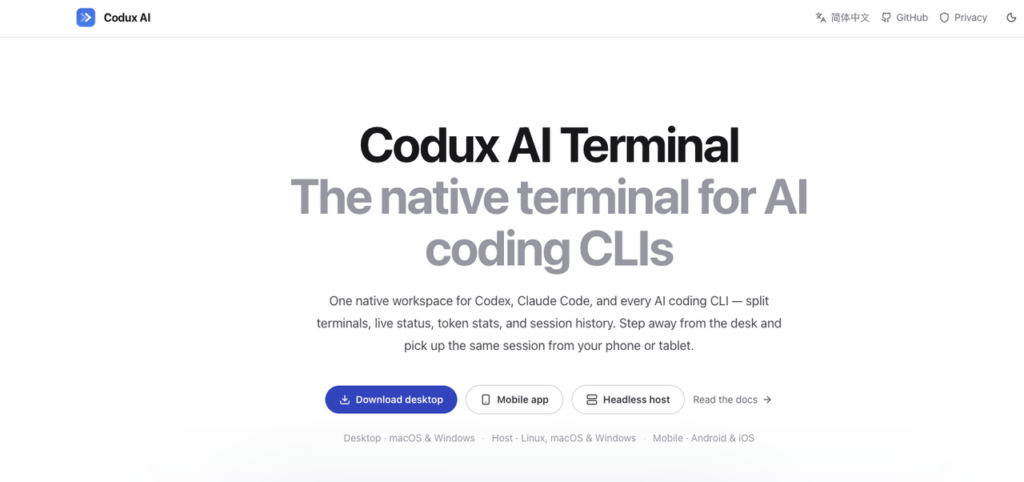
So three months ago, I started building my own tool. That became Codux: a GPL-3.0 open-source native terminal for AI coding, now at 2.0 RC. This is not meant to be a feature dump. I want to explain the design decisions, because every feature came from a specific failure mode.
Why Not Electron
The first decision was the UI stack.
Codux is not an app I open once in a while. It is a desktop workspace that stays open all day. It needs to render several fast-scrolling terminals at once, while also showing Git state, files, agent status, token usage, remote sessions, and local memory. Electron can do a lot, but it was not the direction I wanted.
I ended up choosing GPUI, the UI framework behind Zed. The reasons were practical.
First, GPU rendering. Multiple terminals can be noisy, and frame stability matters.
Second, Rust all the way down. The terminal layer uses the alacritty crate, and PTY, networking, and state management are all Rust as well. I did not want to keep crossing language boundaries for a tool that lives close to the terminal.
Third, the state model fits this kind of app. GPUI’s Entity plus observer model, combined with snapshot rendering, means unchanged data does not need to trigger unnecessary redraws. For a long-running terminal workspace, that matters.
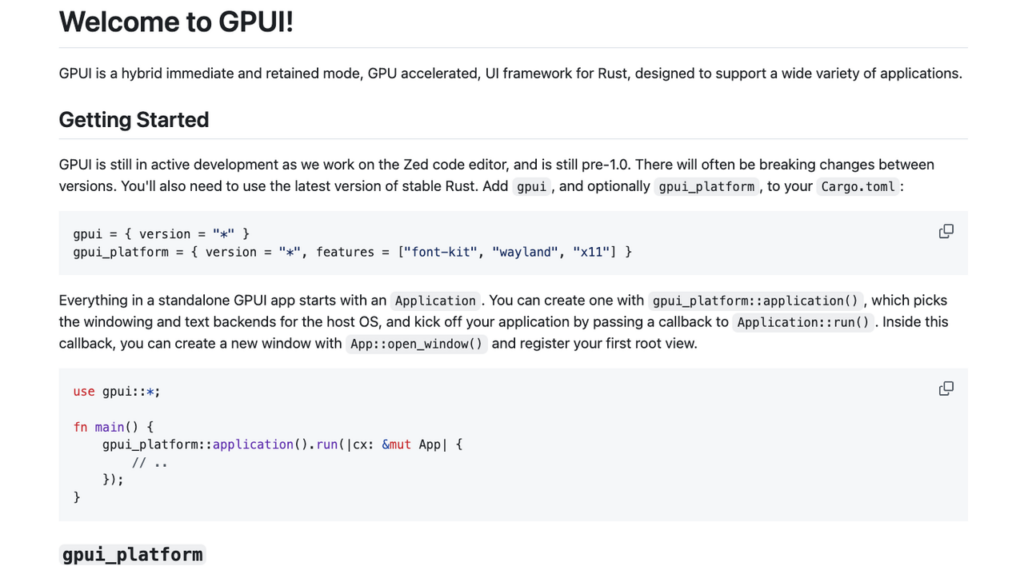
The cost is real. Documentation is thin. Many controls have to be built by hand. Linux desktop support is still not mature enough, which is why Codux currently only supports Linux as a headless host.
There were also plenty of sharp edges. You cannot read back a view entity inside a snapshot builder. An observer can fire while an entity is still inside an update lease, and reading it there will panic. If an observer is synchronously reachable from an action handler and needs to write back into app state, that write has to be deferred.
Each of those deserves its own post. But the upside is that the terminal can be refined at a very low level.
Codux supports things like:
⌘Fsearch through scrollback with direct jump- Floating terminal windows
- Pasting a screenshot into the terminal and turning it into a file path automatically
- IME candidate windows that follow the cursor precisely
- Terminal titles that show the active AI tool and model
- Multiple active terminals without status updates dragging down rendering
These are not checklist features. They come from spending ten hours a day inside terminals. After a while, your hands remember what is annoying.
Status Detection Without Writing Files, Changing Config, or Installing Hooks
Codux needs to support multiple AI CLIs: Codex, Claude Code, OpenCode, Kiro CLI, Kimi Code, CodeWhale, MiMo Code, and Agy. It needs to know what each one is doing: generating, waiting for confirmation, idle, or finished. It also needs to track token usage and inject context where the tool supports it. The easiest approach would be obvious: write prompt files into the user’s repo, mutate global config, or install hooks.
A lot of tools go that way. I made all three red lines.
Codux detects state through process inspection and incremental parsing of each tool’s session files. It can distinguish between generating, waiting for confirmation, idle, and finished. “Waiting for confirmation” gets its own visible state, because yes, I have had an agent sit at a y/n prompt for forty minutes. More than once.
Context injection only uses official or clearly controlled channels. Codex uses developer instructions. Claude Code uses --append-system-prompt. OpenCode uses a managed plugin. Kimi uses --agent-file. If a tool does not have a confirmed non-invasive injection path, Codux does not force one by writing files into the project.
That line costs engineering time. But when a user uninstalls Codux, their environment should be clean. Their repo should not be left with my “smart” prompt files scattered around. That tradeoff feels right.
Worktrees Are the Task Container
The biggest problem with parallel agents is not that they misbehave. It is that they share a workspace. If two agents edit the same repo at the same time, no amount of polite prompting will keep Git clean forever. Instead of asking agents to avoid stepping on each other, Codux isolates the work physically.
In Codux, every task is a git worktree. A task owns its terminals, Git state, file view, and AI sessions. Switching tasks is not just switching tabs. It is switching the whole working context atomically.
ome back three days later, and the terminal is still exactly where it was.
The Git panel follows the same idea. You can stage, unstage, and discard at the directory level. You can inspect what the agent changed, keep what is good, and throw away what is not. The more I use this model, the more obvious it feels.
For agent-based development, a worktree should not be an advanced Git trick. It should be the default task boundary.
Credentials: The Process That Knows the Secret Should Not Be the Model
The part I am most strict about is credentials.
The threat model is simple: once a password enters a prompt, it enters model context. Once it enters context, it may enter transcripts. From there it may enter logs. In the worst case, it may travel farther than you expected.
Letting an agent read config files is even worse. That is basically handing it your ~/.ssh, database URLs, and test environment secrets. Writing “do not leak this” in a prompt is not a security boundary. So Codux separates knowing a credential from using a credential.
Connection profiles are stored in the desktop app and can be tested there. On the agent side, only two commands exist:
codux-ssh <profile-name> -- '<command>'
codux-db <profile-name> -- '<SQL>'
list only returns profile names and hostnames. The real password, private key, and connection string are injected inside a helper process. The model only ever sees the profile name.
If a database profile is marked read-only, the wrapper enforces a single-statement allowlist at the syntax layer. DROP and UPDATE are rejected before they get anywhere dangerous. This does not depend on the model “being careful.”
The boundary belongs at the process layer, not inside the prompt.
You Can Leave. The Task Should Not.
“Phone takeover” sounds like remote desktop, but Codux is not built as remote desktop.
The desktop app, mobile app, and headless host are peers. The transport layer uses end-to-end encrypted P2P when possible, and falls back to a relay when NAT gets in the way. The relay only sees ciphertext. No public IP is required. The important part is the session model: the work always stays on the host.
The PTY, agent process, terminal history, and task state all live on the host machine. The phone connects to the same running session. You can press enter, approve a permission request, or watch live output from your phone. When you return to the desktop, you keep working with the same processes.
Disconnect and reconnect, and you get the same task back. The headless codux-agent installs with one script and detects the system architecture automatically. If GitHub is slow, there is a --mirror option. codux install registers a launchd or systemd service. codux qrcode prints a pairing code. codux update upgrades itself.
My unused Mac mini finally has a job.
The hardest part here was the remote terminal protocol. Incremental frames plus baseline snapshots. Per-viewer acknowledgements. A single-owner lease for terminal size, because a phone and desktop cannot both resize the same PTY at once. Scrollback that does not reflow incorrectly across widths. It took four iterations to make that stable.
That also deserves its own post.
I also added a tunnel browser. Once the desktop connects to a host, the built-in browser can browse as the host. If Vite is running on the host at 127.0.0.1:5173, you type that locally and it opens through the Codux link. HMR, WebSocket, .local, VPN routes, all of it works without manual port forwarding. That is not a party trick. In remote development, “I just want to open the page running on that machine” is a daily need.
Memory and the Token Ledger
AI coding has two long-term problems: context disappears, and usage is hard to account for.
Codux has three layers of local memory:
- User preferences
- Project profiles
- Module notes
When a new session starts, Codux injects that memory through the supported official channels mentioned earlier. The result is simple: you do not need to repeat that this repo uses pnpm, tests run with just test, generated files should not be touched, or a module has a known historical trap.
This is not meant to be a grand memory system. It just stores the boring things I got tired of saying again. Token tracking is split by tool, model, project, worktree, and date. It uses 30-minute buckets and a daily heatmap, stored in local SQLite.
Which project burned money? Which model was expensive? When was I actually working? You can see it. No cloud. No account. The data stays on the user’s machine.
And a Pet
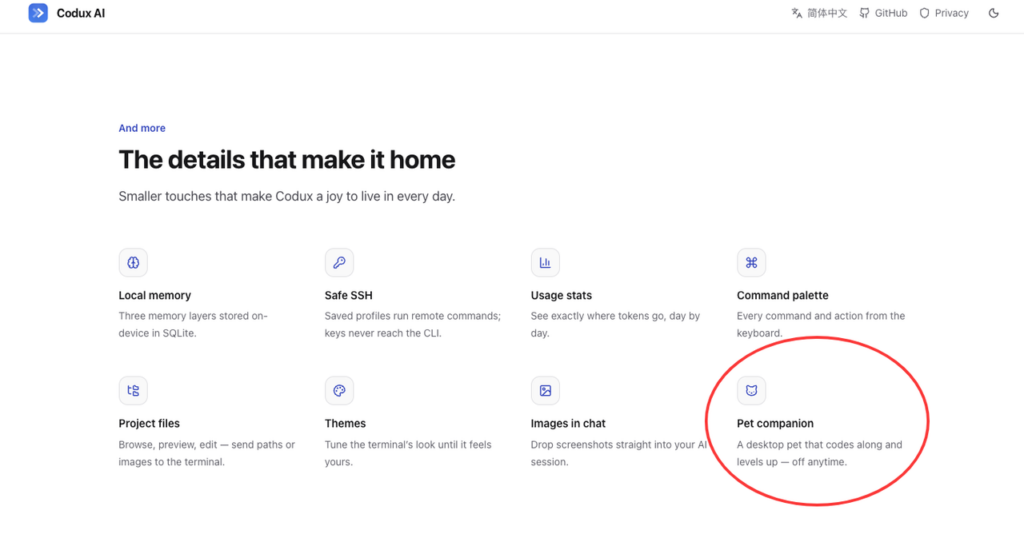
This part has almost no productivity value, and I like it anyway. Every token an agent burns feeds a pixel pet. It has five stats: wisdom, chaos, night, stamina, and empathy. Those stats grow from real usage patterns and working hours. If you work late, the night stat gets very real.
You can use custom skins, and old pets can retire into a hall of fame instead of disappearing. Pointless? Mostly. But I still want to check it every day.
I no longer think small emotional details are out of place in developer tools. If you spend ten hours a day with a workspace, a little personality is not a defect.
Current Status
Codux is most stable on macOS 14 and later. Windows 11 works, but still needs polish. Linux desktop is blocked by GPUI maturity for now, so Linux currently runs as a headless host. Host pairing is beta.
Updates are frequent.
macOS desktop:
brew install --cask duxweb/tap/coduxHeadless host:
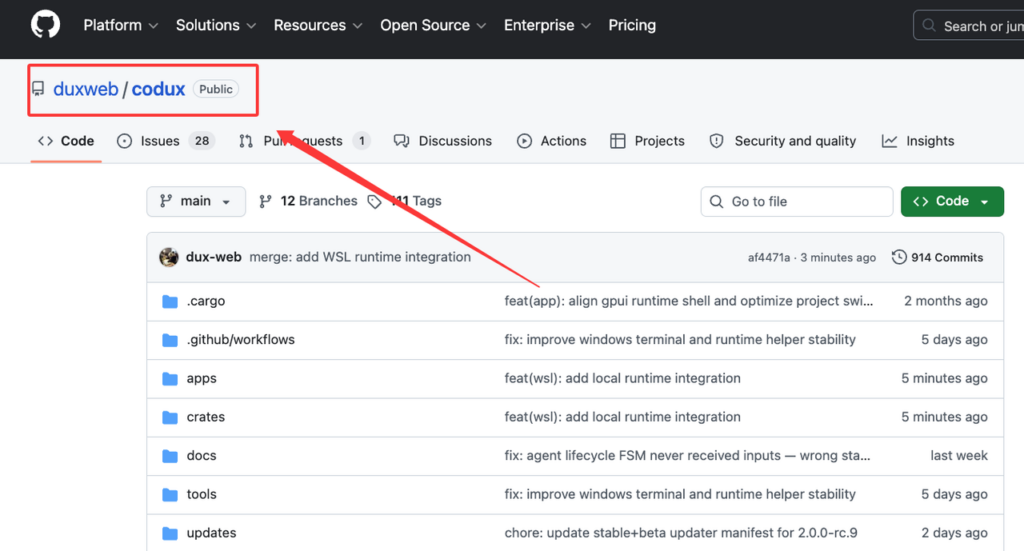
curl -fsSL https://raw.githubusercontent.com/duxweb/codux/main/apps/agent/scripts/install.sh | shProject: GitHub – duxweb/codux
Website: Codux
Mobile releases: codux-flutter releases
Related posts:
Graphify vs graphifyy vs GraphifyLabs
Anthropic vs Nvidia: The Race to $10 Trillion
Loop Engineering: Designing Bounded, Verifiable Agent Systems for Software Delivery
Leave a Reply