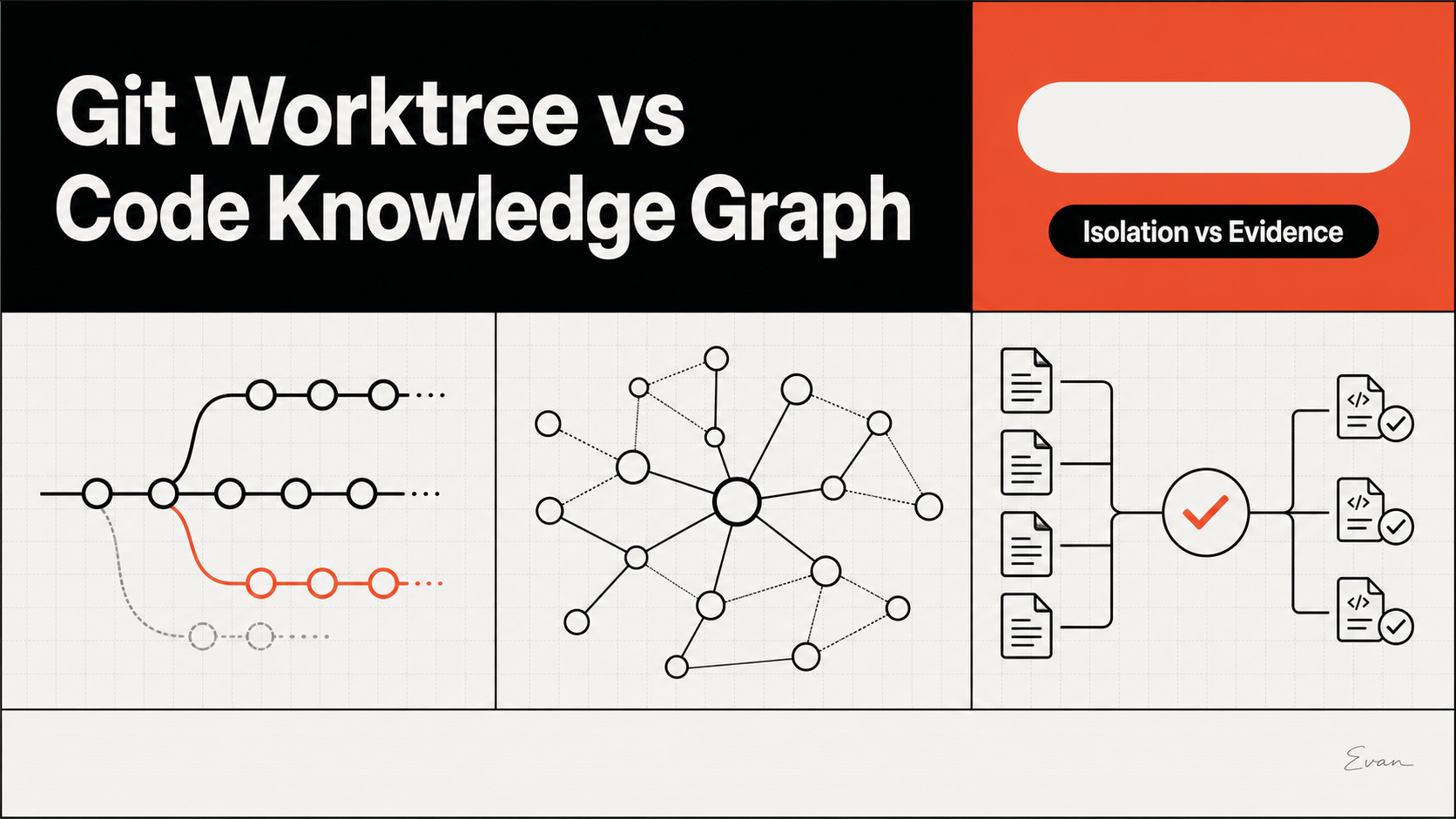
A Git worktree isolates a branch, directory, index, and HEAD; a code knowledge graph helps an agent retrieve relationships such as callers, dependencies, tests, and architecture boundaries. They solve different problems. Use worktrees to separate concurrent write state, and use a revision-bound knowledge layer to improve repository understanding before anyone edits.
This distinction matters in tools such as Supacode. Its documentation describes real Git worktrees, a managed directory for each worktree, per-worktree terminal state, and repeatable repository commands. It does not describe worktrees as AI memory, repository indexing, or a knowledge graph. Treating isolation as understanding leaves an agent with a clean directory but no reliable map of the system.
Quick Verdict
Choose the layer according to the failure you need to prevent.
| Question | Git worktree | Code knowledge graph |
|---|---|---|
| Primary job | Isolate checked-out files and per-worktree Git state | Represent and retrieve repository relationships |
| Useful for | Parallel branches, separate builds, task-specific terminals | Impact analysis, dependency discovery, test selection |
| Source of truth | Current checkout and Git metadata | An index derived from a named repository revision |
| Main risk | Branch drift, duplicated services, conflicting shared resources | Stale, incomplete, or overexposed derived context |
| Final verification | Diff, status, merge checks, tests | Current source, current tests, and responsible reviewers |
The choice is therefore not either/or. A parallel coding workflow often needs both. The worktree controls where an agent may change files. The graph or repository map controls which evidence it should inspect first. Neither layer proves that a patch is correct.
For a broader separation of rules and repository facts, read AGENTS.md vs Knowledge Graph. The same authority principle applies here: a tool can organize work, derived context can guide discovery, and checked-out source remains the final technical evidence.
What Git Worktrees Are Good At
Git defines a worktree as one of multiple working trees attached to the same repository. A linked worktree has its own working directory and per-worktree files such as HEAD and the index, while much repository data and most refs remain shared. This lets a developer check out more than one branch at a time without repeatedly switching the main working directory.
That boundary is concrete and operational. It supports:
- assigning one branch and directory to each agent or task;
- keeping uncommitted changes out of another agent’s checkout;
- running task-specific build artifacts and tests from distinct paths;
- inspecting one branch while another long-running process continues;
- removing a finished linked worktree through Git’s lifecycle commands.
Supacode builds a macOS workflow around this Git mechanism. Its first-worktree guide says each new worktree is backed by a branch and directory, is created under ~/.supacode/repos/<repository-name>/, and receives its own terminal state. Repository commands can start a coding agent, install dependencies, run a dev server, or clean up before archive. These conveniences strengthen process isolation; they do not add semantic understanding of the code.
Worktrees also do not isolate every resource. Git refs are mostly shared, and external resources such as a database, port, cache, cloud account, or package registry can still collide. Teams need unique ports, disposable data, explicit credentials, and cleanup rules where those resources matter.
What Code Knowledge Graphs Are Good At
A code knowledge graph is useful when a task depends on relationships that are expensive or error-prone to reconstruct from filenames alone. It can connect a symbol to callers, an API to implementations, a schema to consumers, a feature to tests, or a module to architectural documentation.
The graph’s value is evidence selection. Instead of giving an agent a large undifferentiated file dump, a query can return a small candidate path:
- the public entry point involved in the request;
- the implementation and configuration that govern it;
- direct and transitive consumers;
- related tests and generated artifacts;
- documents or owners that constrain the change.
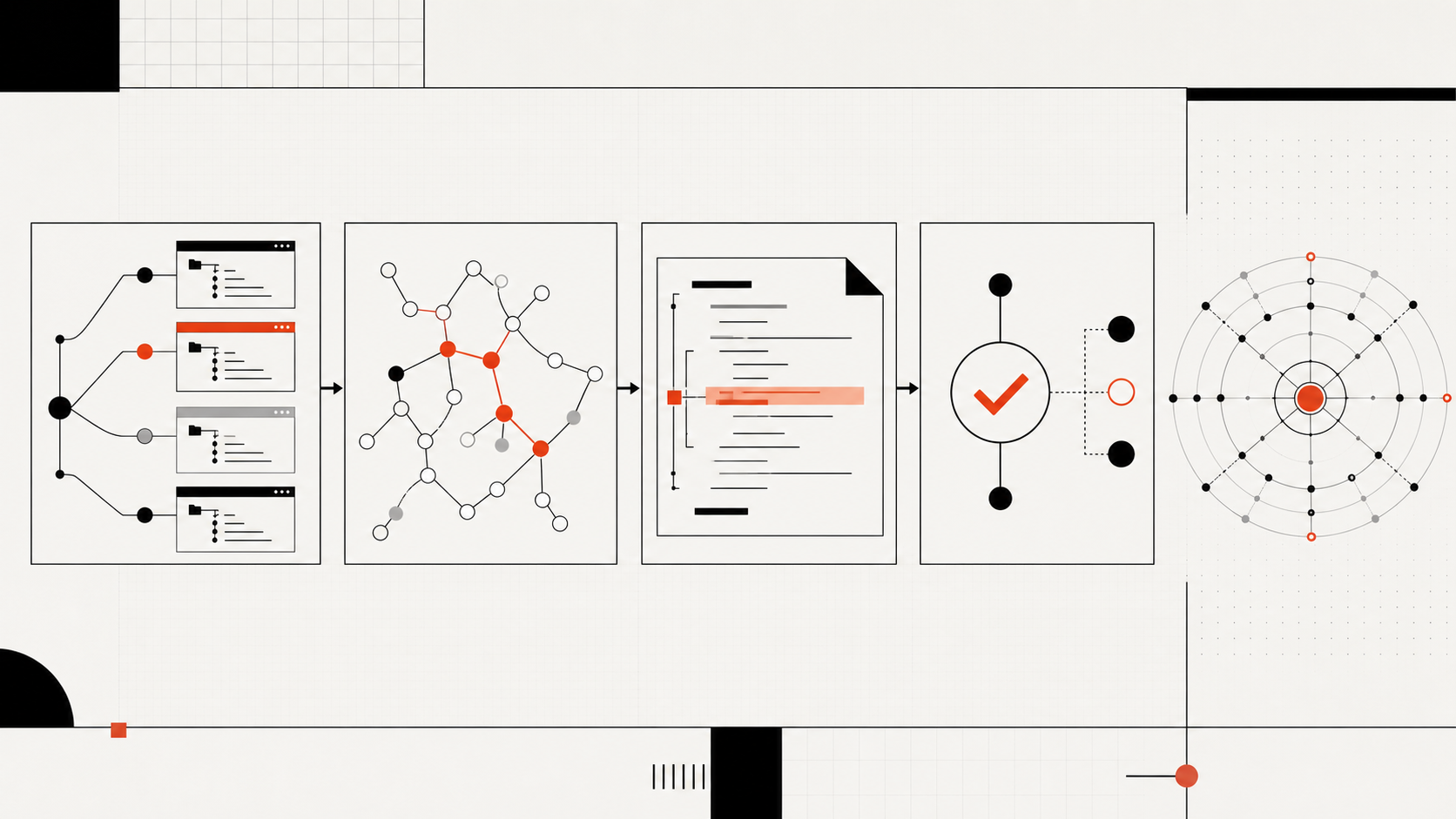
This layer should be descriptive, not authoritative by itself. Parsers miss dynamic behavior. Generated code may be absent. Runtime registration, reflection, environment variables, and external systems may not appear as static edges. Every retrieved relationship needs confirmation against the exact worktree revision before it influences a patch.
The 1M Context vs Knowledge Graph guide explains the adjacent capacity question: a large context window can hold more text, but it still needs a method for selecting fresh, relevant evidence.
Where Coding Agents Confuse the Two
The most common mistake is assuming that a fresh worktree gives an agent fresh understanding. It gives the agent a clean filesystem view. The agent may still repeat broad searches, read obsolete documentation, miss an indirect consumer, or infer architecture from directory names.
A second mistake is treating a graph as shared task state. Repository facts and task decisions have different lifecycles. “Function A calls function B at commit X” can be shared read-only. “Agent 2 plans to rename B” belongs to that task until reviewed. Mixing the two turns a neutral repository map into a stream of provisional conclusions.
A third mistake is assuming either layer prevents merge conflicts. Worktrees reduce simultaneous changes in one directory, but two agents can still edit the same logical contract on different branches. A graph may reveal overlapping impact paths, but it cannot arbitrate product intent. Ownership and integration order still need human or controlled-agent review.
The Share Repo Context Across Coding Agents guide provides a general context contract for teams that need common evidence without common write permissions.
How to Combine Both Layers
Combine the layers by binding repository context to a commit and keeping each task’s writes local to its worktree.
Start with a base revision. Generate or refresh a read-only module, symbol, dependency, test, and documentation map for that revision. Record the generator version and any known exclusions. Then create one worktree per task from the approved base, with a named branch and an explicit write scope.
Before an agent edits, give it a compact evidence packet: task goal, base commit, relevant nodes and edges, cited source paths, likely tests, and known unknowns. Require the agent to verify every important edge in its current checkout. If the worktree has moved ahead of the graph revision, either refresh the affected slice or mark retrieved context as stale.
During execution, keep these controls visible:
- one owner for changes to each shared public contract;
- separate ports, data, credentials, and services where necessary;
- task-local plans, terminal output, assumptions, and failed experiments;
- read-only access to the shared repository map;
- focused tests in each worktree before integration tests on the combined branch;
- a final diff and impact review at the merge point.
Make the evidence packet reviewable by someone other than the task agent. It should identify the base commit, selected paths, direct relationships, likely tests, and the reason each item was chosen. Reviewers can then reject a stale edge, add a missing consumer, or narrow an overbroad scope before parallel edits begin. That checkpoint turns a helpful repository map into accountable engineering input rather than an opaque prompt attachment.
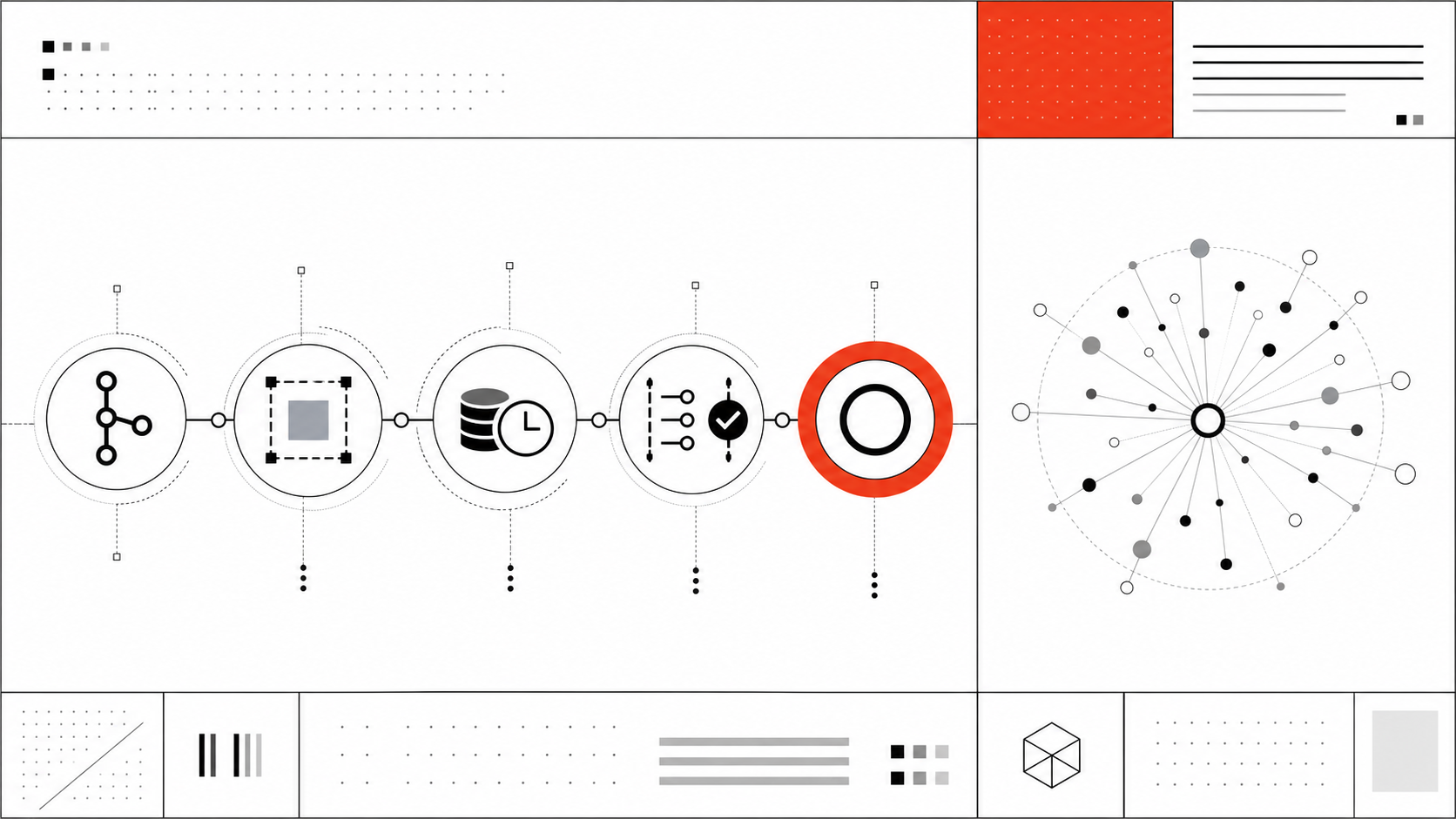
Supacode’s repository setup, run, and archive commands can automate parts of this lifecycle. For example, a setup command can prepare dependencies or launch an agent, while an archive command can stop task-local infrastructure. Keep context generation explicit and independently versioned unless your own tooling provides it; the reviewed Supacode docs do not claim a built-in repository graph.
FAQ
Can a worktree share graph-backed context safely?
Yes, if the graph is read-only to task agents, scoped to approved repository data, and labeled with the exact commit or content revision it describes. Each agent should verify retrieved paths and relationships in its own checkout. Do not let graph access imply permission to read secrets or write outside the task boundary.
What should not be stored in a knowledge graph?
Exclude secrets, credentials, personal data, unrestricted terminal transcripts, proprietary data outside the approved repository scope, and provisional agent reasoning presented as fact. Task-specific plans, unreviewed conclusions, and ephemeral runtime state should stay with the task unless a deliberate review promotes them into shared documentation.
How should teams audit graph freshness?
Store the indexed commit, generation time, tool version, coverage notes, and failed parses. Compare the worktree’s current commit with the graph revision before every task. Renames, dependency-file changes, schema changes, code generation, and public-interface edits should trigger a targeted refresh or a full rebuild according to measured coverage.
Conclusion
Git worktree vs knowledge graph is a comparison of control plane and understanding layer, not competing implementations. Worktrees isolate branch, directory, index, and terminal workflows. A knowledge graph or structured repository map selects relationship-aware evidence.
Use both when parallel agents must change a large repository: bind shared context to a revision, keep task decisions and writes isolated, and verify every important claim in current source and tests. A clean worktree limits interference. Fresh, reviewable repository context limits guesswork.
Leave a Reply